
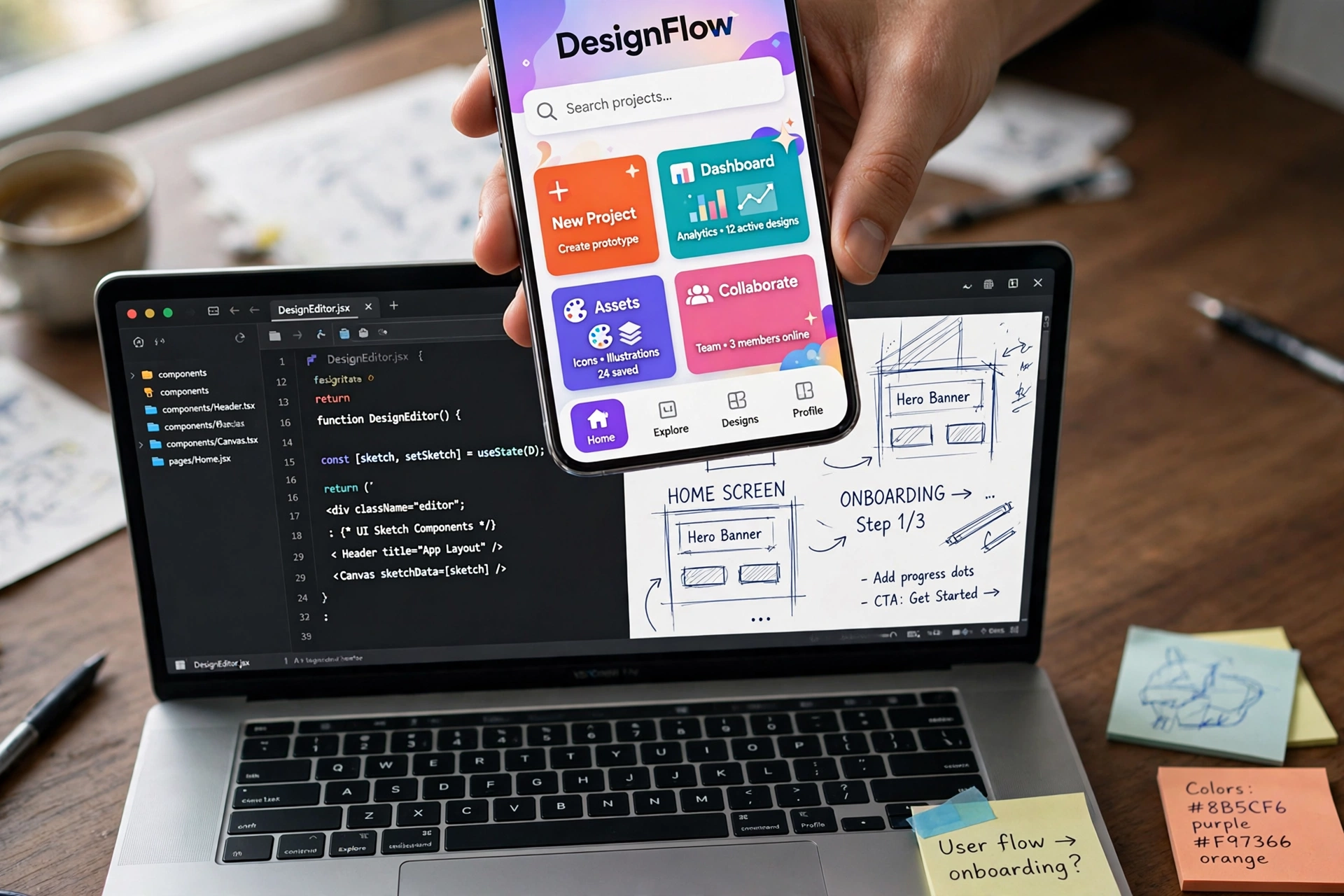

Every app on your phone started as a simple idea in someone’s head. Mobile app development is the process of turning that idea into a working app for iOS, Android, or both — and in 2026 it is more accessible to beginners than ever. This guide walks through the whole journey: choosing a platform, learning the right tools, designing the app, building it, testing it, and finally publishing it to the app stores, with realistic timelines and costs at each step.
- Start with one platform: iOS (Swift) or Android (Kotlin), or use a cross-platform tool such as Flutter or React Native to build for both at once.
- You do not need a computer science degree — structured self-study and a portfolio of small apps can get you hired or let you launch your own app.
- Design before you code: wireframes and a simple prototype save weeks of rework later.
- Testing on real devices matters more than testing in an emulator — real phones expose real problems.
- Publishing costs are small but real: Apple charges $99 a year, Google charges a one-time $25 fee.
Mobile App Development: Choose Your Platform First
The first decision is where your app will live. Native iOS development uses Swift and Xcode, and it gives the best performance and the smoothest access to Apple features. Native Android development uses Kotlin and Android Studio, and it reaches the largest number of users worldwide. If you need both platforms, cross-platform frameworks are the practical choice: Flutter (Google’s toolkit, using the Dart language) and React Native (Meta’s toolkit, using JavaScript) both let you write one codebase that runs on iOS and Android.
For a first app, cross-platform is usually the smart pick — you build once, learn one set of tools, and reach both stores. For a career, native skills still command strong salaries, and many teams hire specialists for one platform. Either way, pick one path and commit to it for at least six months; switching tools every few weeks is the most common beginner mistake. A structured study routine helps enormously here — our guide on how to study effectively covers the habits that keep self-taught learning on track — and if you want to earn from your skills sooner, our guide on how to make money online covers freelance app work as a first step.
Learn the Tools and Build Your First App
Expect three to six months of steady learning before your first real app feels solid. The learning path is the same whatever stack you choose: learn the programming language basics, then the framework, then build small practice projects — a to-do list app, a weather app, a notes app — before attempting your big idea. Free resources are excellent now: official documentation, YouTube tutorials, and free courses cover everything a beginner needs, and AI coding assistants can explain errors and suggest fixes as you go.
Your practice projects are also your portfolio. Employers and clients hire on what you have built, not on certificates, so publish your practice apps on GitHub and write a short note about what each one taught you. A portfolio of three solid small apps beats a CV that only lists courses completed.
Design, Test and Publish Your App
Good apps are designed before they are coded. Sketch each screen on paper or in a free tool like Figma, map out how users move between screens, and test the flow with a friend before writing any code. Simple, consistent design wins: clear buttons, readable text, and no more than one main action per screen. Users decide whether they like an app within seconds, and most of that decision is visual.
Testing is where beginners cut corners and pay for it later. Emulators catch logic errors, but only real devices reveal battery drain, slow loading on older phones, and layouts that break on small screens. Test on at least two or three real devices, ask friends to try the app without instructions, and fix every point where they get stuck. Then publish: Apple requires a $99-a-year developer account and a review process that takes a few days, while Google Play charges a one-time $25 fee. Both stores need screenshots, a description, and a privacy policy before they approve your listing.
How Much Does Mobile App Development Cost?
Building an app yourself costs almost nothing beyond your time and the store fees — under $150 for your first year if you do everything yourself. Hiring a freelancer or agency is a different story: a simple app typically costs $5,000–$20,000, and a complex one with logins, payments and a server backend can cost $50,000 or more. Most successful indie apps start small, launch with core features only, and add features based on what real users ask for. If your app needs a website or landing page too, a tidy workspace helps you think clearly — our best decor ideas for a home office can turn a spare corner into a proper dev setup.
Frequently Asked Questions
How long does it take to learn mobile app development?
Most beginners can build a simple working app within three to six months of steady study, and reach a job-ready level in nine to twelve months. Your first app will be rough — that is normal, and finishing it matters more than perfecting it.
Should I learn Swift, Kotlin, Flutter or React Native?
Learn Swift if you want to specialise in iOS, Kotlin for Android, and Flutter or React Native if you want to build for both platforms from one codebase. For a first app, Flutter is a popular choice because one codebase covers both stores.
Do I need a degree to become a mobile app developer?
No. Employers hire on portfolios and practical skill. A computer science degree helps with theory, but a GitHub profile with real apps is what gets interviews for most junior roles.
How much does it cost to publish an app?
Apple charges $99 per year for a developer account, and Google Play charges a one-time $25 registration fee. Building the app yourself costs nothing else except your time.
Can I make money from my own app?
Yes, through paid downloads, in-app purchases, subscriptions, or ads — but most apps earn little. The realistic path is to build a genuinely useful app, grow users slowly, and treat income as a bonus until the app proves itself.
1 thought on “Mobile App Development: A Beginner’s Guide 2026”