
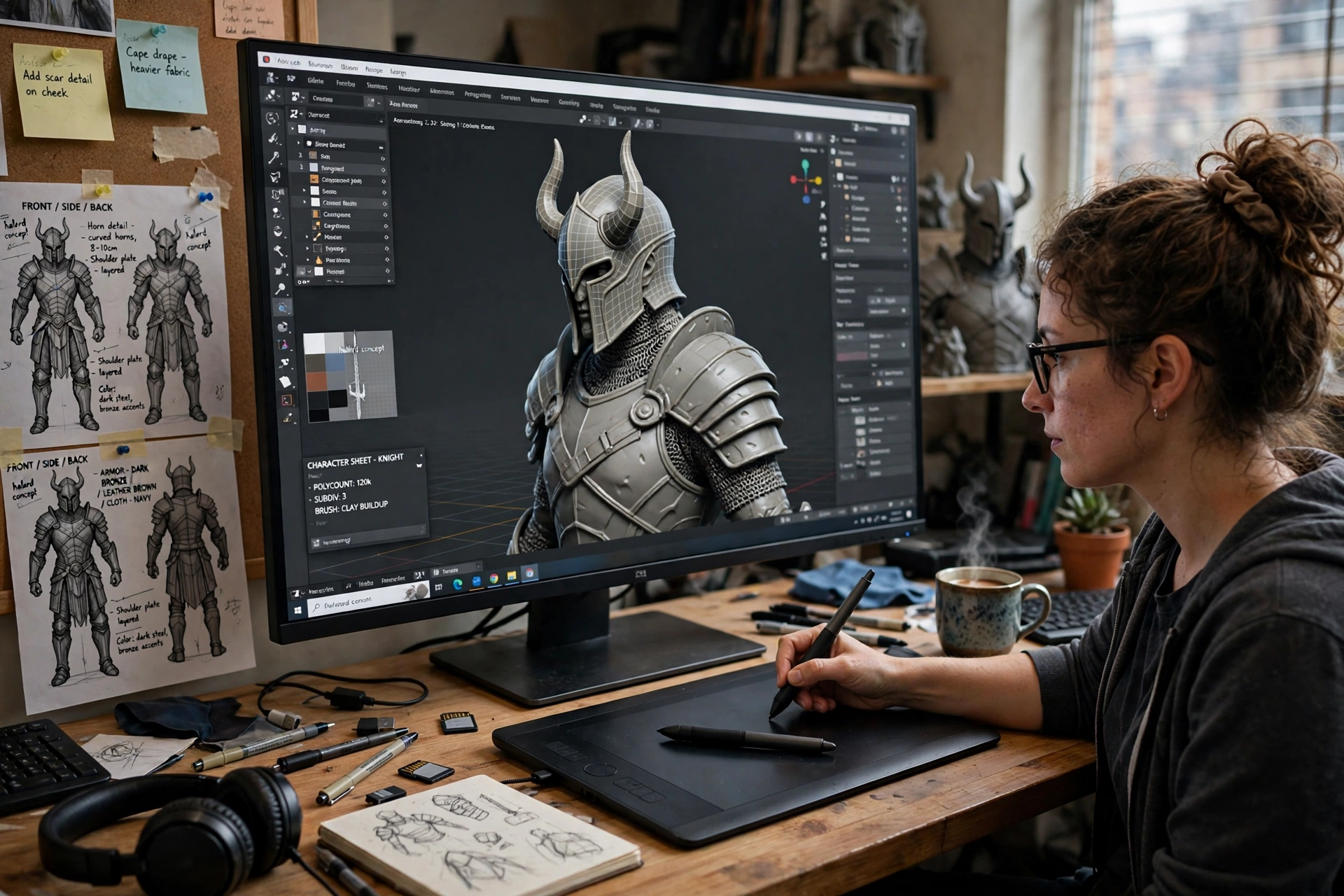
Picking 3D modeling software in 2026 is less about finding the “best” tool and more about matching the tool to what you actually want to make. A game character, a product render, a house plan, and a 3D print all need different things — and the good news is that the free options are better than ever. This guide compares the main tools, free and paid, and tells you which one to start with for your goal.
- Blender is free, powerful, and the best starting point for almost everyone — modelling, sculpting, animation, and rendering in one tool.
- Paid tools like Maya, ZBrush, and Cinema 4D still rule in studios, but you do not need them to learn or to freelance.
- Match the tool to the job: sculpting, hard-surface modelling, architecture, and 3D printing each have a natural favourite.
- Most tools offer free trials or free tiers — try before you pay.
- Your computer matters as much as the software: a decent GPU and 16GB of RAM make learning far less painful.
The Best Free 3D Modeling Software
Blender — the one to start with
Blender is free, open-source, and genuinely professional. It handles modelling, sculpting, texturing, rigging, animation, and rendering — the whole pipeline — in one program. Big studios and indie creators both use it, and the community is enormous: if you get stuck, someone has made a tutorial for exactly your problem. The interface used to scare people off, but the last few versions are much friendlier. If you only try one tool, make it Blender.
TinkerCAD — the easiest first step
If you have never modelled anything, TinkerCAD runs in your browser and teaches the basics in an afternoon. It is block-based and simple — great for kids, teachers, and anyone who wants to design something for a 3D printer without learning a complex interface first.
SketchUp Free — for buildings and rooms
SketchUp’s free web version is the quickest way to mock up a room, a house, or a piece of furniture. Architects and interior designers love it for that reason. It is less suited to characters or organic shapes, but for anything with straight lines it is fast and intuitive.
The Best Paid 3D Modeling Software
Autodesk Maya — the film and game industry standard
Maya is what most big animation and game studios use. Its animation and rigging tools are the best in the business, and a Maya credit on your CV still opens doors. The price is the problem: it is a subscription, and it is not cheap. Students get it free, which is how most people learn it.
ZBrush — for sculpting
If you want to sculpt characters, creatures, or anything organic, ZBrush is the tool. It handles millions of polygons like nothing else and feels more like digital clay than engineering. It is a specialist tool, though — most ZBrush artists still use Blender or Maya alongside it.
Cinema 4D — for motion graphics
Cinema 4D is the favourite of motion designers and advertising studios. It is easier to learn than Maya, integrates beautifully with After Effects, and produces gorgeous renders quickly. If your goal is animated logos, product videos, or social content, this is the natural pick.
3ds Max — for architecture and visualisation
Still the standard in architectural visualisation and much of game environment art. If you want to render buildings and interiors for clients, 3ds Max (or Blender, increasingly) is where the work is.
Which Software for Which Job?
- Game characters and creatures: Blender or ZBrush, with Maya for animation.
- Product renders and ads: Cinema 4D or Blender with a good renderer.
- Architecture and interiors: SketchUp, 3ds Max, or Blender.
- 3D printing: Blender, TinkerCAD, or Fusion 360 for precise parts.
- Animation and film: Maya or Blender.
- Learning the basics: Blender, full stop.
What Computer Do You Need?
3D work is demanding, but you do not need a workstation to start. The practical minimum is 16GB of RAM, a dedicated GPU with at least 6GB of memory, and an SSD — rendering and viewport performance depend on them more than on the CPU. A laptop that can run modern games can run Blender. If you are buying hardware for this, our best gaming laptop guide covers machines that handle 3D work well, and our learn to code guide is a good companion if you want to add scripting to your 3D skills. For photo textures and reference editing, our photo editing software roundup is worth a look too.
Frequently Asked Questions
What is the best free 3D modeling software?
Blender. It is free, fully professional, and covers modelling, sculpting, animation, and rendering in one program.
Is Blender good enough for professional work?
Yes. Blender is used in professional productions, indie games, advertising, and freelance work. Some studios still prefer Maya, but Blender’s output is professional quality.
How long does it take to learn 3D modeling?
Expect a few weeks to make simple objects confidently and a few months to produce polished work. Daily practice matters more than the tool you choose.
Can I use 3D modeling software on a laptop?
Yes, as long as it has a decent GPU and 16GB of RAM. Heavy rendering is slower on a laptop, but learning and modelling work fine.
What is the easiest 3D modeling software for beginners?
TinkerCAD is the easiest, but Blender is the best balance of easy to start and worth sticking with. Start with Blender’s beginner tutorials and give it two weeks.
The honest truth about 3D modeling software in 2026: the free tool is good enough, the skills matter more than the brand, and the best time to start was a year ago. The second-best time is today. Download Blender, follow one beginner tutorial, and make something ugly. Then make something slightly less ugly. That is how everyone starts.