
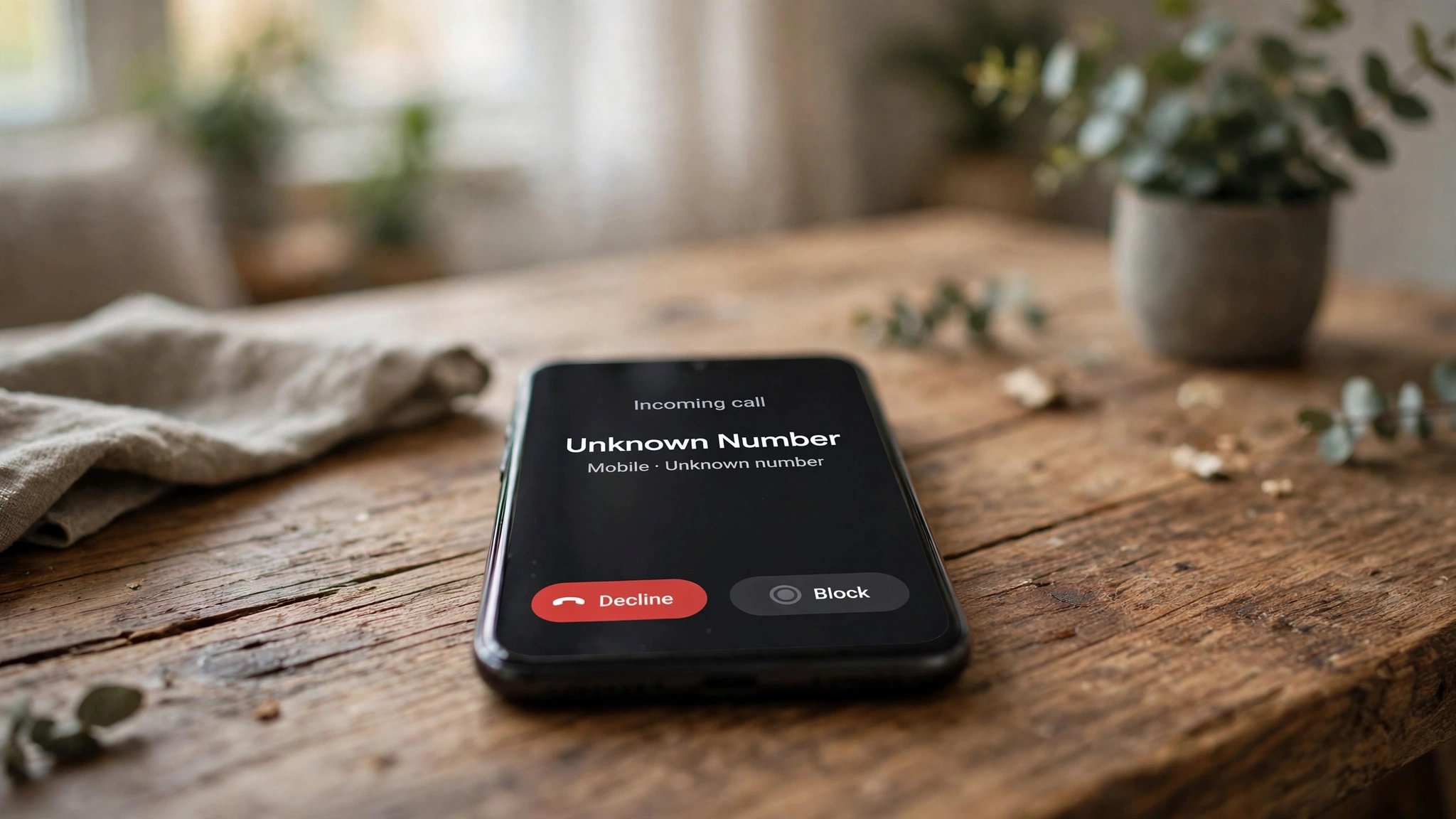
The phone rings, the number looks local, and by the time you realise it is a robocall about your car’s warranty, you have already lost thirty seconds of your day. Learning how to block spam calls is less about one magic app and more about stacking a few defences: your phone’s built-in filter, your carrier’s free tools, a registry entry, and a simple habit. Together, they cut most spam calls to almost nothing. Here is how to set all of it up, on iPhone and on Android.
- Turn on your phone’s built-in spam filter first: Silence Unknown Callers on iPhone, Spam and Call Screen on Android.
- Enable your carrier’s free spam protection — most carriers offer it, but it is often off by default.
- Register your number on the Do Not Call Registry. It stops legal telemarketers, though not scammers.
- Never answer, call back, or press a number on a spam call — any response confirms your number is active.
- Report spam calls to your carrier and to the FTC. Reports feed the databases that filter the next call.
How to Block Spam Calls on iPhone
iPhone has the strongest built-in option of any phone. Go to Settings, then Phone, then Silence Unknown Callers, and turn it on. From then on, calls from numbers not in your contacts, recent calls, or Siri suggestions go straight to voicemail without ringing. They still appear in your recent calls list, so you can check them and call back if one was genuine. It is the single most effective spam defence on iPhone, and it takes ten seconds to enable.
For a second layer, turn on call filtering in Settings, then Phone, then Call Blocking and Identification, and enable any spam-identification app you have installed. Your carrier’s app can also help: most carriers offer a free spam app that labels suspected spam calls on the screen before you answer. If you use an iPhone for work, our iPhone vs Android guide compares the two platforms’ spam tools in more detail.
Blocking a specific number
To block a number that keeps calling, open the Phone app, tap the info icon next to the number, scroll down, and tap Block this Caller. The number will go straight to voicemail from then on. This works, but spammers change numbers constantly, so blocking one at a time is a losing game. The silence-unknown-callers setting is the real fix; individual blocking is just tidying up.
How to Block Spam Calls on Android
Android’s built-in tools are in the Phone app. Open it, tap the three dots, go to Settings, then Caller ID and spam, and turn on See caller and spam ID and Filter spam calls. Filtered calls go to voicemail without ringing. On Google Pixel phones, Call Screen is even better: Google Assistant answers unknown calls for you, asks who is calling and why, and shows you a transcript so you can decide whether to pick up. It is the closest thing to a perfect spam filter, and it is free.
Samsung phones have a similar tool called Smart Call, in the Phone app settings, which labels suspected spam. Third-party apps like Hiya and Truecaller add crowd-sourced spam databases, but they need access to your contacts and call history, so read the privacy policy before installing one. The built-in tools plus your carrier’s protection are usually enough without giving a third party your data. For more Android tips, our Windows screenshot guide is not Android, but our WhatsApp pricing guide covers the messaging side of staying in touch without the spam.
Carrier Tools and the Do Not Call Registry
Your carrier is fighting spam calls too, and it has tools you are probably not using. In the US, the major carriers all offer free spam protection: T-Mobile’s Scam Shield, Verizon’s Call Filter, and AT&T’s ActiveArmor. They are free at the basic level, they label or block suspected spam before your phone rings, and they are often switched off by default. Download your carrier’s app or check its website and turn the protection on.
Also register your number on the National Do Not Call Registry at donotcall.gov. It is free, it takes a minute, and it stops legitimate telemarketers from calling you. It will not stop scammers — they ignore the law — but it cuts the volume from legal callers, and it makes the calls that do get through easier to identify as scams. In the UK, the equivalent is the Telephone Preference Service. Re-register if you change your number, and be patient: the registry takes up to 31 days to take full effect.
Why Spam Calls Look Local, and What STIR/SHAKEN Does
Spammers use a trick called neighbour spoofing: they fake the caller ID so it matches your area code and even your exchange, so the number looks like a neighbour calling. That is why blocking one number never works — the next call comes from a different fake number in the same area. The defence is not blocking but filtering: let the phone decide what rings and what goes to voicemail.
Carriers are also rolling out a system called STIR/SHAKEN, which verifies that a call really comes from the number it claims. When it works, your phone shows a “verified” label on genuine calls, and unverified calls are treated with suspicion. It is not perfect — it does not cover all carriers or all call types yet — but it is steadily reducing the number of spoofed calls that get through. Combined with your phone’s own filter, it is the reason spam call volumes are finally starting to fall.
Frequently Asked Questions
How do I block spam calls on iPhone?
Turn on Silence Unknown Callers in Settings, then Phone. Unknown numbers go to voicemail without ringing. Also enable your carrier’s spam app in Settings, then Phone, then Call Blocking and Identification.
How do I block spam calls on Android?
In the Phone app, go to Settings, then Caller ID and spam, and turn on Filter spam calls. On Pixel phones, use Call Screen to have Google Assistant answer unknown callers for you.
Does the Do Not Call Registry stop spam calls?
It stops legal telemarketers, but not scammers, who ignore it. Register anyway — it reduces the volume and makes the remaining calls easier to identify as scams.
Should I answer a spam call to tell them to stop?
No. Answering, pressing a number, or saying anything confirms your number is active and usually increases the number of calls. Hang up immediately and let unknown calls go to voicemail.
What is the best spam call blocker app?
Your phone’s built-in filter plus your carrier’s free protection is the best combination for most people. Third-party apps add crowd-sourced data but need access to your contacts and call history.
Learning how to block spam calls is a one-time setup that pays off every day. Turn on Silence Unknown Callers or Android’s spam filter, enable your carrier’s protection, register on the Do Not Call list, and stop answering numbers you do not know. The calls will not vanish entirely — scammers are persistent — but they will drop from a daily annoyance to a rare voicemail you can delete in two seconds.