
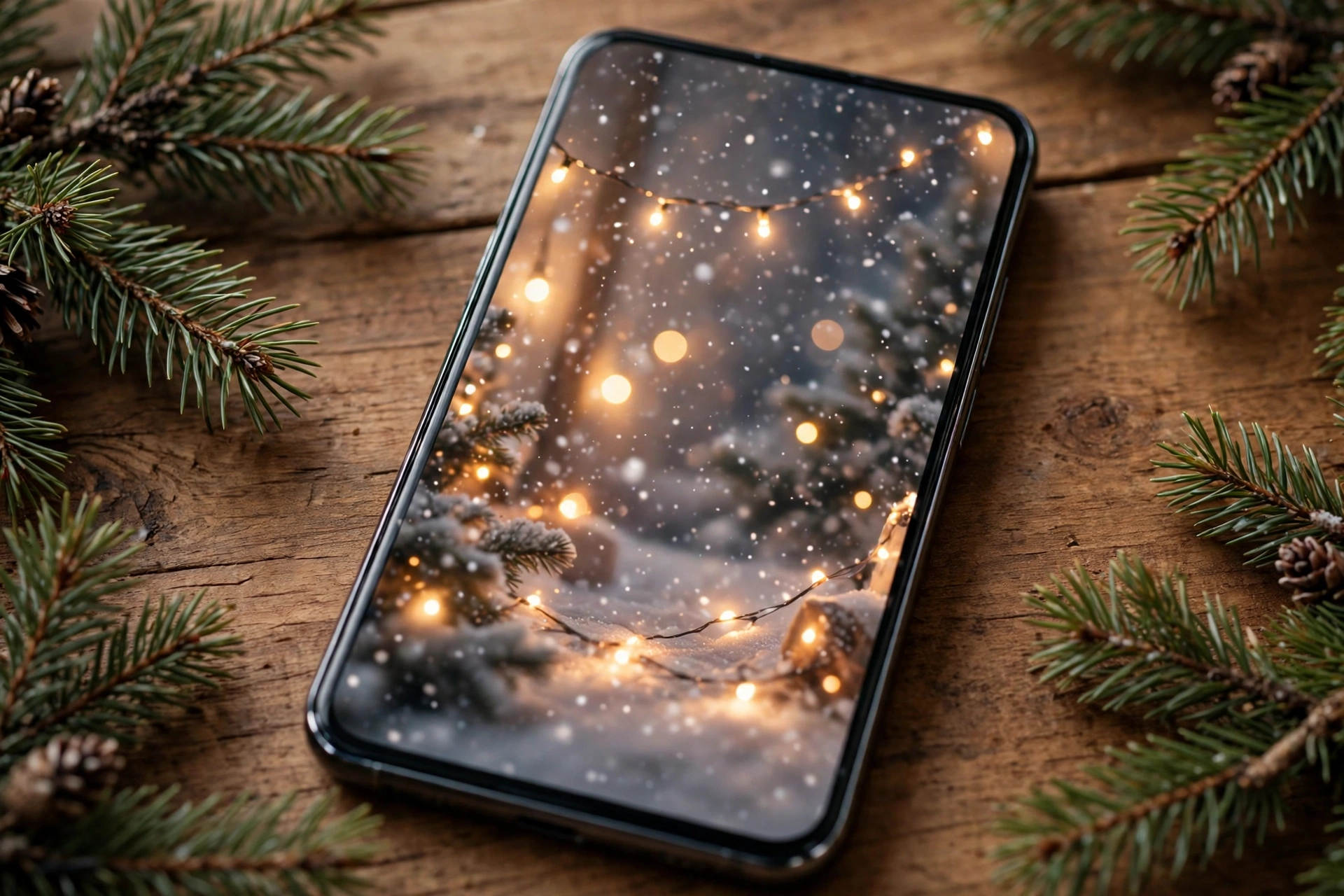
Changing your phone wallpaper is the smallest Christmas decoration you will make this year, and somehow it sets the mood more than the tree does. The christmas wallpaper aesthetic is all over Pinterest and Instagram right now: warm fairy lights, snowy villages, deep green and gold, vintage ornaments, and cosy cabin scenes that make your lock screen feel like December. This guide rounds up the styles people love most, where to find them free, and how to pick one that actually looks good on your screen.
- The Christmas wallpaper aesthetic leans warm and cosy: fairy lights, candles, deep green, burgundy, and gold.
- Pick a wallpaper with a calm top third so your clock and widgets stay readable.
- Free sources include Unsplash, Pexels, and Pinterest — search by style, not just by “Christmas”.
- Match the wallpaper to your phone size: a 1080×1920 image fits most phones, but check your model’s resolution first.
- Dark, moody wallpapers save battery on OLED screens and look better at night.
What Is the Christmas Wallpaper Aesthetic?
It is less a single look and more a feeling: the version of Christmas that lives in films and old postcards. Think of a window glowing amber against blue evening snow, a tree lit with warm white lights, a mug of something hot on a wooden table, or a snowy street with shop windows. The colours stay soft and warm — cream, gold, deep green, burgundy — rather than bright and cartoonish. The best versions feel calm, not busy, which is why they work so well as a background you stare at a hundred times a day.
The trend took off because it is the cheapest possible seasonal refresh. No shopping, no mess, no taking anything down in January — you swap the image and your whole phone feels festive. People change it around the start of December and keep it until the new year, and many now match their laptop and tablet backgrounds to it too.
Christmas Wallpaper Aesthetic Styles to Try
Cozy cabin and fairy lights
The most popular style by far. A cabin window, a string of warm lights, a knitted blanket in the corner — everything glows amber and gold. These wallpapers look best on OLED screens because the dark background makes the lights pop. Search for “cozy christmas lights wallpaper” and you will find hundreds.
Snowy village and winter wonderland
Blue-toned scenes with falling snow, village rooftops, and pine trees. These feel calm and classic, and the lighter top half usually keeps your clock readable. They suit people who like a cleaner, more minimal phone. Our Thanksgiving wallpaper ideas use a similar seasonal approach if you want to compare styles.
Vintage and nostalgic Christmas
Old postcard art, retro ornaments, and muted, faded colours. This style pairs beautifully with burgundy and gold home decor — if you have already decorated your living room, our burgundy Christmas decor ideas and budget Christmas decor ideas will help you carry the same palette through the house.
Minimal and modern
A single pine branch, one ornament, a line of gold text on a dark green background. Minimal wallpapers are the easiest to live with because your icons and widgets stay the star. If your home screen is already busy, this is the style to pick.
Cute and playful
Cartoon reindeer, smiling snowmen, gingerbread houses, and pastel colours. Great for kids’ tablets or anyone who wants their phone to feel cheerful rather than elegant. Pair it with our Christmas crafts for kids for a full festive afternoon.
Where to Find Free Christmas Wallpapers
Unsplash and Pexels
Both sites offer high-resolution Christmas photos free for personal use, and their search results are genuinely good. Search “christmas lights,” “snowy village,” or “christmas tree bokeh” rather than just “christmas” — the specific searches return the aesthetic shots instead of the stock-photo clichés.
Search “christmas wallpaper aesthetic” on Pinterest and you will find curated boards with hundreds of options. Save the ones you like, then check the image quality before setting one — a wallpaper that looks fine as a thumbnail can turn blurry full-screen. Aim for images at least 1080 pixels wide.
Your own photos
The most personal option is free: photograph your own tree, your own lights, or a snowy street near your home. A photo you took yourself will always feel more special than a stock image, and phone cameras are good enough now that the results look genuinely lovely.
How to Set the Perfect Christmas Wallpaper
On iPhone, save the image, open Settings, then Wallpaper, and choose it for your lock screen, home screen, or both. On Android, long-press the home screen and tap Wallpaper, or set it from the Photos app. Most phones let you set a different image for the lock screen and the home screen — a good trick is a busy, beautiful photo on the lock screen and a calmer, darker version on the home screen so your apps stay readable. Match your widget colours to the wallpaper’s palette for a finished look: gold widgets on a deep green wallpaper, cream widgets on a snowy scene.
Frequently Asked Questions
Where can I download free Christmas wallpapers?
Unsplash and Pexels offer free high-resolution Christmas photos, and Pinterest has curated boards under “christmas wallpaper aesthetic”. Always check the resolution before setting one.
What size should a Christmas phone wallpaper be?
1080×1920 pixels fits most phones, but check your model’s screen resolution for the sharpest result. A higher-resolution image always looks better than a stretched small one.
What is the most popular Christmas wallpaper style in 2026?
Cozy cabin and fairy lights — warm amber tones on a dark background. Vintage postcard styles and minimal pine-branch designs are close behind.
Can I use the same wallpaper on my laptop?
Yes, but phone wallpapers are vertical and laptops are horizontal, so the crop will differ. Search for a desktop version of the same image, or use your own photo in landscape.
When should I change my wallpaper to a Christmas one?
Most people switch at the start of December and keep it until early January. There is no rule — if it makes you happy in late November, go for it.
The christmas wallpaper aesthetic is the easiest festive win of the season: one free image, thirty seconds of setup, and your phone feels like December every time you pick it up. Pick a style that matches your mood, check the top third is calm, and enjoy it until January.
1 thought on “Christmas Wallpaper Aesthetic: Cozy Ideas for 2026”