
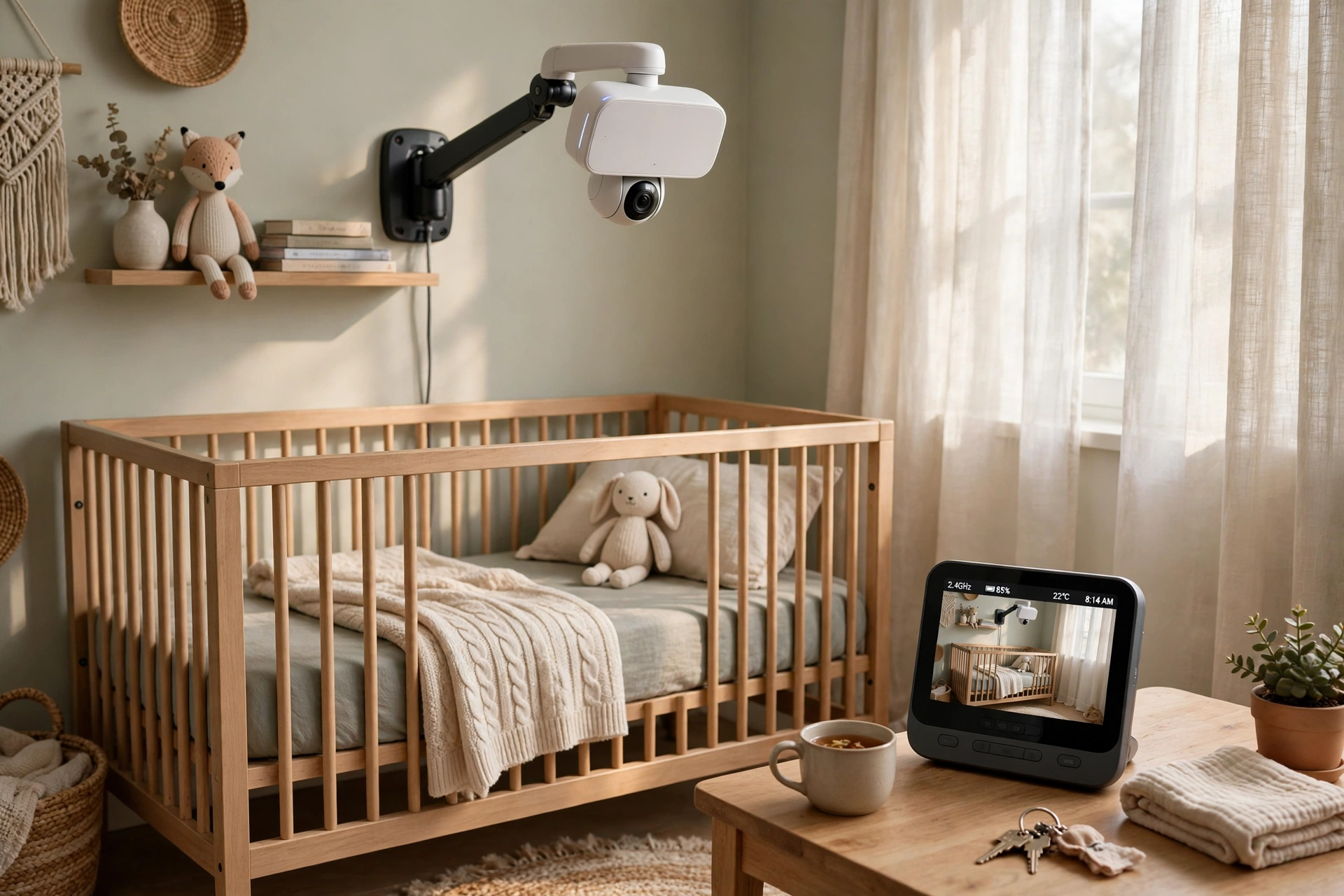
A baby monitor is one of the first things new parents buy, and one of the most confusing. Audio-only or video? Wi-Fi or a dedicated parent unit? What range do you actually need, and which features are worth paying for? The best baby monitors in 2026 cover all three types, and the right choice depends on your home, your budget, and how much you want to see — not just hear. This guide compares the top picks, explains the real differences, and covers the safety and privacy issues that matter.
- Video monitors with a dedicated parent unit are the safest, simplest choice for most families — no Wi-Fi needed, no hacking risk.
- Wi-Fi monitors add phone viewing and smart alerts, but need strong security (two-factor authentication, unique password).
- Audio-only monitors are the cheapest and most reliable option if you just want to hear your baby.
- Look for: good night vision, at least 8 hours of battery, two-way talk, temperature alerts, and a range that covers your home.
- Top picks in 2026: Infant Optics DXR-8 Pro, Nanit Pro, VTech DM221, and Eufy SpaceView Pro.
Audio, Video, or Wi-Fi: Which Type of Baby Monitor?
Audio monitors are the simplest: a transmitter in the nursery and a receiver you carry, with no screen. They are cheap ($25–$50), the battery lasts for days, and the range is excellent. They suit parents who want to hear their baby and nothing more, and they are the most reliable option because there is no video to drop out and no app to update. The VTech DM221 is the classic pick: clear sound, a night light, two-way talk, and a 1,000-foot range.
Video monitors add a camera and a screen, so you can see whether your baby is asleep, stirring, or standing up in the cot. Most use a dedicated parent unit with its own screen — no phone, no Wi-Fi — which keeps them simple and secure. Wi-Fi monitors stream to your phone instead, which means you can check in from anywhere, share access with grandparents, and get smart alerts (cry detection, breathing monitoring). The trade-off is complexity and privacy: a Wi-Fi camera is a connected device, and it needs proper security. If you are setting up the nursery, our how to baby-proof your home guide covers the rest of the safety checklist alongside the monitor.
Best Baby Monitors in 2026
The Infant Optics DXR-8 Pro (around $200) is the most recommended non-Wi-Fi video monitor. It has interchangeable lenses (zoom and wide-angle), excellent night vision, a large screen, and a reliable connection — and because it does not use Wi-Fi, it cannot be hacked remotely. The Eufy SpaceView Pro (around $170) is the best value video monitor: a big 5-inch screen, pan-and-tilt camera, long battery life, and a clear picture, again without Wi-Fi.
For Wi-Fi monitors, the Nanit Pro (around $300) is the standout. It mounts above the cot, tracks sleep patterns, measures breathing motion with a special swaddle, and gives detailed sleep insights in the app. It is the most expensive option here, and it needs a subscription for the full features, but parents who love data swear by it. The VTech DM221 (around $30) remains the best audio-only monitor: simple, reliable, and cheap enough to buy as a second unit for travel or grandparents’ houses.
Features Worth Paying For (and Ones That Are Not)
Worth paying for: good night vision (infrared, not a glowing light that disturbs sleep), two-way talk (so you can soothe your baby with your voice without entering the room), a temperature sensor (so you know if the nursery is too hot or cold), and a battery that lasts a full night on the parent unit. Pan-and-tilt is useful if your baby moves around the cot; a fixed camera is fine for a newborn who stays put.
Not worth paying for: lullabies built into the monitor (your phone does this better), “breathing” sensors that are not medically certified (they can create false alarms and anxiety), and very high-resolution cameras (a 720p picture is plenty for checking on a baby). Also be sceptical of monitors that require a subscription for basic features — the hardware should work without a monthly fee. And whatever you buy, test the range in your actual home: thick walls and multiple floors reduce range significantly, and a monitor that works in a flat may struggle in a large house.
Baby Monitor Safety and Privacy
Safety first: keep the camera and all cords out of your baby’s reach, secure cords to the wall, and never place the monitor inside the cot. The camera should be mounted on a wall or a shelf, angled down, with the cord routed away from the cot entirely. Check the mount regularly — a camera that falls into the cot is a serious hazard.
For Wi-Fi monitors, privacy matters. Use a strong, unique password, turn on two-factor authentication, keep the firmware updated, and do not share access with anyone who does not need it. There have been real cases of baby monitors being accessed remotely, and every one of them involved a weak password or an outdated device. Non-Wi-Fi monitors avoid this risk entirely, which is why many security-conscious parents prefer them. If you want a monitor you can check from anywhere, choose a reputable brand, update it, and lock it down. And once the nursery is set up, the everyday routines begin — including a lot of laundry, so our guide to how to clean a washing machine is worth reading before the baby clothes start piling up.
Which Baby Monitor Should You Buy?
For most families, a non-Wi-Fi video monitor is the sweet spot: the Infant Optics DXR-8 Pro if you want the best, or the Eufy SpaceView Pro if you want the best value. If you love data and do not mind a subscription, the Nanit Pro is the smartest Wi-Fi option. If you only need audio, the VTech DM221 is all you will ever need — and it costs less than a week of nappies.
Whichever you choose, buy it before the baby arrives and test it in the nursery for a week. And if you are shopping for a new mum rather than for yourself, our gifts for women guide has thoughtful ideas that pair well with a monitor as a baby-shower gift. Learn the buttons in daylight, check the night vision after dark, and walk around your home with the parent unit to find any dead zones. A monitor you already trust is one less thing to worry about in the first, exhausting weeks — and that peace of mind is the whole point.
Frequently Asked Questions
Do I need a video baby monitor or is audio enough?
Audio is enough if you only want to hear your baby. Video is worth it if you want to see whether your baby is asleep, awake, or standing — most parents who try video never go back to audio-only.
Are Wi-Fi baby monitors safe from hacking?
They can be safe if you use a strong, unique password, enable two-factor authentication, and keep the firmware updated. If you are worried, choose a non-Wi-Fi monitor with a dedicated parent unit instead.
How far can a baby monitor reach?
Most video monitors claim 800–1,000 feet in open air, but walls and floors reduce this significantly. Test the range in your actual home before relying on it, especially across floors.
When should I stop using a baby monitor?
Most families stop between 18 months and 3 years, when the child can call out or get out of bed safely. There is no rule — stop when it no longer helps you sleep better.
Can I use a baby monitor for twins?
Yes — look for a monitor that supports two cameras, or buy a system with an add-on camera. The Infant Optics and Eufy models both support additional cameras for a second cot.
2 thoughts on “Best Baby Monitors in 2026: Audio, Video & Wi-Fi”