
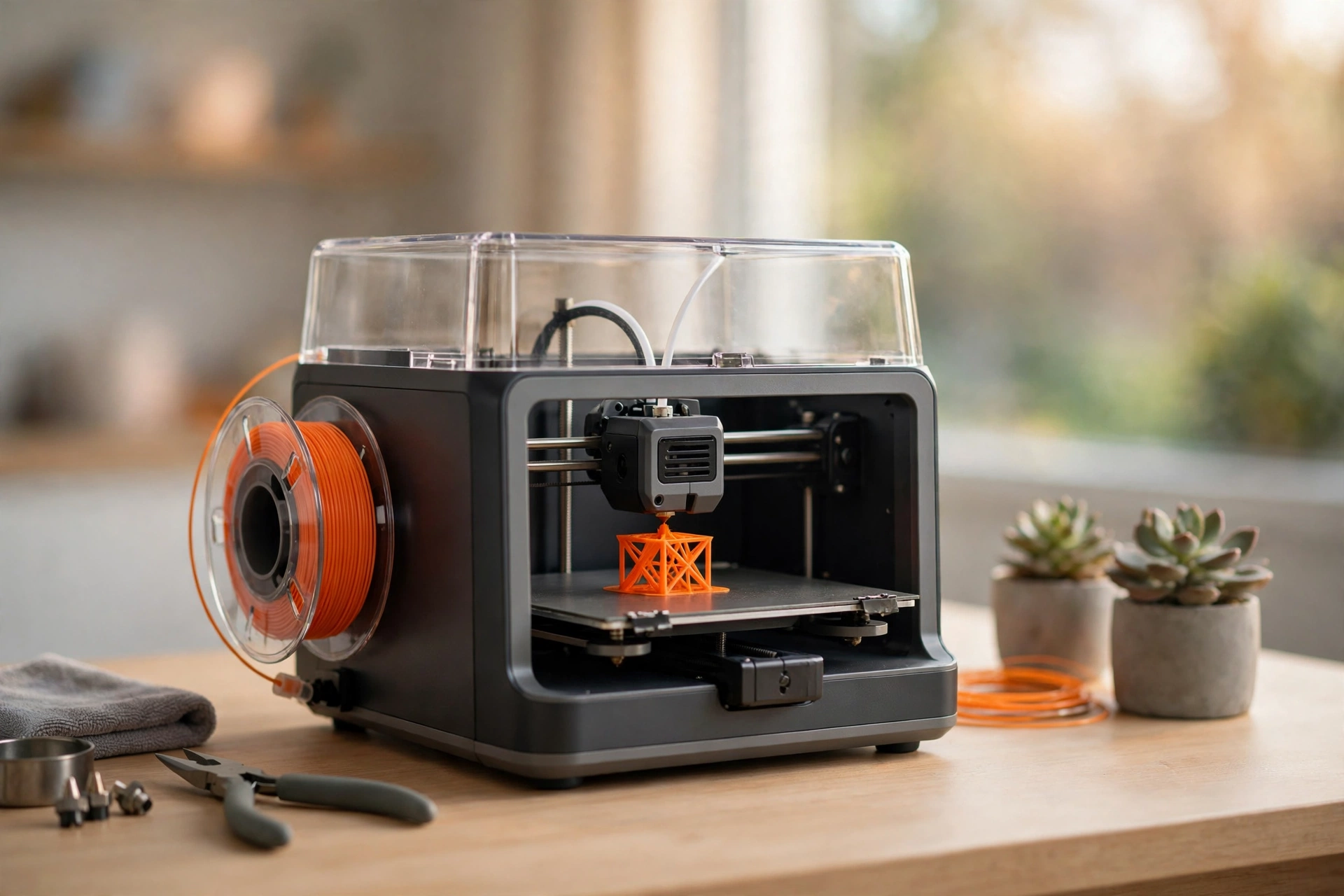
The best budget 3d printers are not the cheapest ones you can find. They are the ones that print well out of the box, do not need constant fixing, and still cost less than a decent pair of shoes. A few years ago, a budget printer meant hours of tinkering before your first good print. That has changed. The current generation of sub-$250 machines prints fast, levels itself, and mostly just works — which is exactly what a first-time buyer needs.
- Budget in 2026 means roughly $150 to $250 — below that, expect compromises.
- Auto bed levelling is the single feature worth paying extra for.
- Start with PLA filament: it is the easiest, cheapest, and safest material to learn on.
- Print speed matters less than reliability for a first printer.
- Check the size of the printer’s community before buying — it is your free tech support.
What “Budget” Actually Gets You in 2026
A budget 3D printer today is a very different machine from one five years ago. Most models in the $150 to $250 range now come mostly assembled, level their own beds, and print at speeds that used to belong to machines three times the price. The build area is usually around 220 x 220 x 250 mm, which is enough for phone stands, plant pots, board game pieces, replacement parts, and most household fixes. You will not print a full-size helmet in one piece, but that is not what most people buy a first printer for.
What you give up at this price is mostly refinement: louder fans, a smaller screen, manual filament loading, and fewer premium materials. You do not give up print quality. A well-tuned $200 printer can produce parts that look as good as a $600 one — it just takes a little more patience. If you want a machine for a desk or a home office, our best budget office chairs roundup covers the other half of a comfortable maker setup.
The Budget Printers Worth Shortlisting
A few models keep showing up at the top of every budget list, and for good reason. The Creality Ender-3 V3 SE is the classic starter pick: around $200, simple to set up, and backed by the largest user community in 3D printing, which means every problem you hit has already been solved by someone on a forum. It prints PLA well and handles the basics without fuss.
The Bambu Lab A1 mini is the easiest first printer many people have ever used. It is small, quiet, and genuinely close to plug-and-play, with automatic calibration that takes the guesswork out of the first week. It costs a little more than the cheapest options, usually around $200 to $250, and its smaller build area is the trade-off. The Anycubic Kobra 2 Neo and the Elegoo Neptune 4 sit in the same price band and are worth comparing if you want a bigger build plate or faster print speeds. All four are solid choices; the right one depends on whether you value ease, size, or speed most. Students looking at a first machine should also check our best laptops for students guide, since a decent laptop is what runs the slicing software.
Features that actually matter
Auto bed levelling sits at the top of the list. It measures the print bed and compensates for any tilt, so your first layer sticks properly instead of peeling off halfway through a print. A direct-drive extruder is worth having too — it feeds filament more reliably and handles flexible materials if you ever try them. A PEI-coated spring steel bed is another quiet win: prints stick while hot and pop off easily once cool, with no glue or tape needed.
Things you can skip at this price: a built-in camera, a filament dryer, and a huge touchscreen. They are nice, but they do not make your prints better. Put that money toward a spare nozzle pack and two rolls of PLA instead.
Filament: Start With PLA and Nothing Else
Every beginner should start with PLA. It prints at lower temperatures, barely warps, does not smell, and costs around $15 to $20 a roll. A single roll lasts for dozens of small prints. PETG is the next step up — stronger and more heat-resistant, good for things that live in a car or a kitchen — but it is fussier about settings, so learn on PLA first.
Skip ABS and nylon until you know what you are doing. ABS needs an enclosure and ventilation, and it warps if you look at it wrong. Most household prints — hooks, brackets, planters, toys, replacement knobs — are perfectly happy in PLA. Buy filament from a known brand rather than the cheapest roll on a marketplace; bad filament clogs nozzles and wastes more money than it saves. If you also game on your printer’s desk, our best gaming laptop guide covers machines that handle slicing software and games alike.
What a Budget Printer Costs to Run
The printer is only the start. A roll of PLA costs $15 to $20 and lasts a surprisingly long time. Nozzles are a few dollars each and should be swapped every few months if you print regularly. Electricity is cheap — a typical print uses about as much power as a light bulb running for the same hours. The real cost is your time: expect to spend your first weekend learning, and budget an hour or two a week for the first month while you learn the slicing software.
Most people print a handful of useful things in the first month: a replacement part for something broken, a cable organiser, a plant pot, a gift for someone. After that, the printer either becomes a hobby or a tool you use when you need it. Both are fine. The machine pays for itself the first time it saves you buying a $30 replacement part that costs 40 cents in filament.
Frequently Asked Questions
How much should I spend on my first 3D printer?
Around $150 to $250 gets you a reliable starter machine in 2026. Below $150, expect missing features like auto levelling and a lot more tinkering. Above $250, you are paying for speed, size, or convenience rather than print quality.
Are budget 3D printers hard to set up?
Not anymore. Most current budget models arrive mostly assembled and take 20 to 40 minutes to finish building. Auto levelling handles the hardest part, and the included test prints walk you through the rest.
What can I print with a budget 3D printer?
Household fixes, storage organisers, plant pots, phone stands, board game pieces, cosplay props, and gifts. The build area limits the size of a single piece, but most everyday objects fit easily.
Is 3D printing expensive to run?
No. A roll of PLA filament costs about $15 to $20 and lasts for dozens of prints. Electricity per print is small, and replacement nozzles cost a few dollars. The printer itself is the main cost.
Do I need a powerful computer for 3D printing?
No. Slicing software runs fine on an ordinary laptop. You need enough storage for model files and a USB port or Wi-Fi to send files to the printer. A basic laptop is plenty.
The best budget 3d printers in 2026 are genuinely good machines, not compromises. Pick one with auto levelling, start with PLA, and print something useful in your first week. If it works well — and it should — you will wonder why you waited this long to get one.