
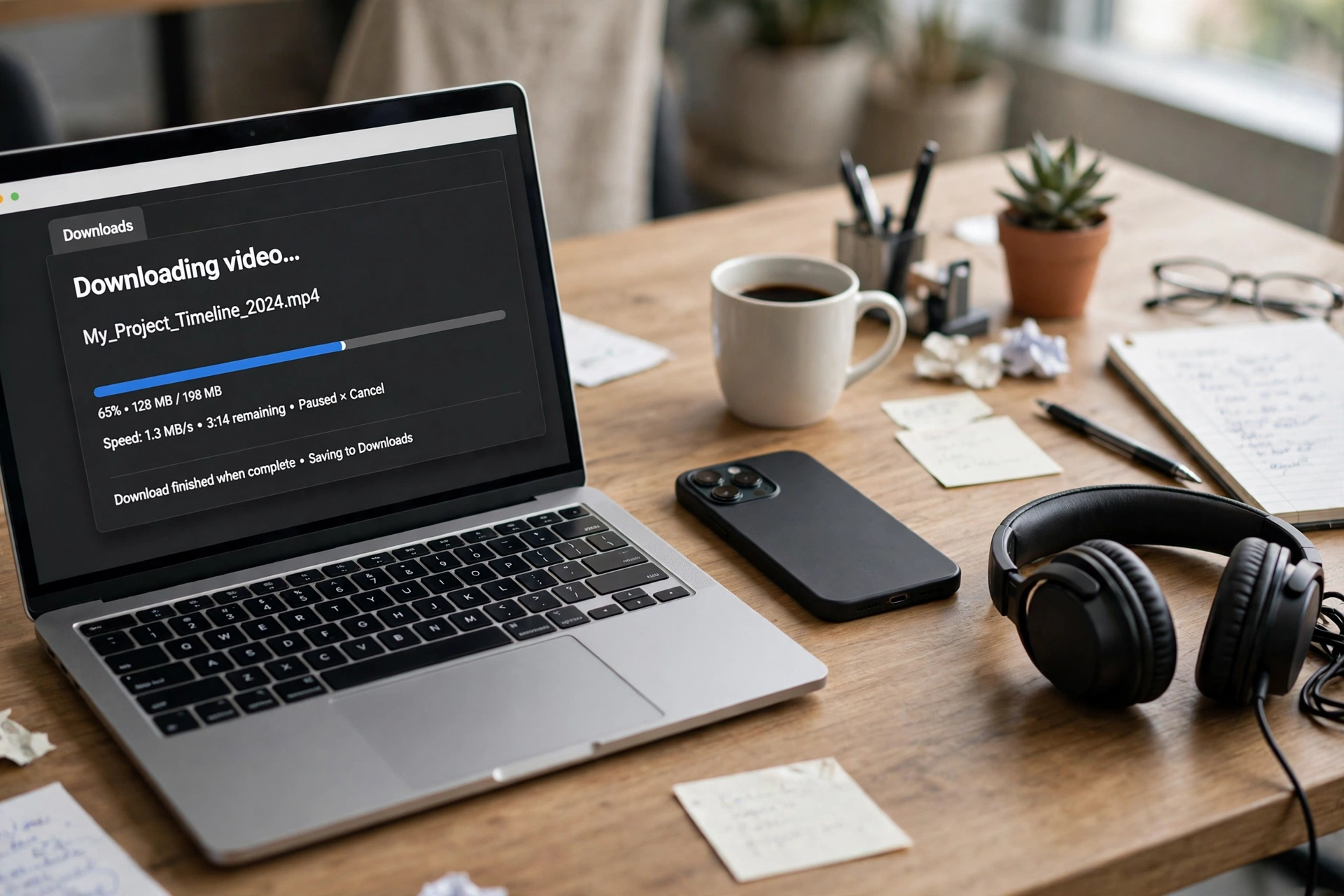
There are good reasons to want a YouTube video on your device: a flight without Wi-Fi, a long commute, a tutorial you want to keep, or a video for a classroom with no internet. The question is how to do it legally and safely. This guide explains how to download youtube videos the right way — through YouTube Premium — and covers the free and paid alternatives, the tools to avoid, and the rules that decide what is actually allowed.
- YouTube Premium is the only official, fully legal way to download videos for offline viewing inside the YouTube app.
- Premium downloads work on phones and tablets, not on desktop browsers.
- YouTube’s terms forbid downloading videos with third-party tools, even for personal use.
- Many creators offer their own videos for download, and some videos are Creative Commons licensed.
- Free “YouTube downloader” sites and apps are the riskiest option — they are often full of malware and misleading ads.
The Legal Way: YouTube Premium
YouTube Premium is the official route. It costs $13.99 a month for an individual plan (or $15.99 after the April 2026 price increase in the US — check your local price), and it includes ad-free viewing, background play, YouTube Music, and the ability to download videos for offline viewing in the YouTube app. To download a video, open it in the app, tap the Download button below the player, and choose a quality. The video is saved inside the app and you can watch it without an internet connection.
There are limits. Downloads work on phones and tablets, not in a desktop browser. Downloaded videos expire if you do not connect to the internet at least once every 30 days, because the app needs to check that your subscription is still active. And the download is tied to the app — you cannot move the file to another device, share it, or edit it. For most people who just want to watch offline, those limits do not matter. If you need the actual file, Premium will not give it to you, and that is deliberate.
Other Legal Ways to Get Videos Offline
Creator-provided downloads
Some creators offer their videos for download directly, either through their own website, a Patreon page, or a link in the video description. This is fully legal, because the creator has chosen to share the file. If a video you want is available this way, use it — it is the simplest and safest option.
Creative Commons videos
Some YouTube videos are published under a Creative Commons licence, which allows reuse and downloading under certain conditions. You can filter YouTube search results by Creative Commons licence to find them. Even then, check the licence terms: most require you to credit the creator, and some forbid commercial use.
YouTube’s own offline features
In some regions, YouTube offers free offline viewing for certain videos through the app, usually as part of a trial or a regional feature. This is separate from Premium and is limited to specific content. If the Download button appears on a video in the free app, it is there because YouTube allows it for that video — use it.
What About Third-Party Downloaders?
This is where most people get into trouble. Third-party downloader websites and apps promise to save any YouTube video as an MP4, and many of them do work. But YouTube’s terms of service explicitly forbid downloading videos outside the features YouTube provides. Downloading a video you do not own the rights to, even for personal use, breaches those terms, and in some countries it can also breach copyright law. YouTube has taken legal action against downloader services in the past.
Beyond the legal question, there is a practical one: free downloader sites are among the riskiest places on the internet. They are commonly used to distribute malware, they are covered in misleading download buttons that install unwanted software, and they often ask you to install a browser extension or an app that you should not trust. If a site offers to download any video for free with no sign-up, assume it is making its money some other way, and that way is rarely in your interest.
If you still choose to use a third-party tool, at least understand the risk: you are breaching YouTube’s terms, you may be breaching copyright, and you are trusting an unknown website with your device. For most people, the $13.99 a month for Premium — or the free options above — is a better deal than the risk.
Downloading Videos on Different Devices
On Android and iPhone
Open the YouTube app, find the video, tap Download, and choose a quality. Higher quality means a bigger file, so choose 720p if you are short on storage. Downloads appear in your Library under Downloads, and you can manage them from there — delete old ones to free up space. Make sure you have enough free storage before you download a long video in high quality.
On desktop
YouTube does not offer downloads in a desktop browser, even with Premium. If you need a video on your computer for offline use, your legal options are to watch it on a mobile device, or to use a creator-provided download. Browser extensions that claim to download YouTube videos are third-party tools and carry the same risks described above.
On a smart TV
Smart TV apps do not offer downloads either. If you want to watch offline on a TV, download the video on a phone or tablet and cast it to the TV when you are back online, or use a device that supports offline playback.
For more on getting the most from your devices, our guide to updating your BIOS safely covers keeping a PC healthy, our VPS server explainer covers the server side of the internet, our DDoS attack guide explains one of the threats your devices face, and our free movie websites guide covers legal ways to watch films online.
Frequently Asked Questions
Is it legal to download YouTube videos?
Downloading through YouTube Premium or through a creator-provided link is legal. Downloading with third-party tools breaches YouTube’s terms of service and may breach copyright law, even for personal use.
Can I download YouTube videos for free?
Legally, only in limited cases: some videos offer free offline viewing in the app, some creators provide downloads, and some videos are Creative Commons licensed. There is no general free download feature.
Why do my Premium downloads expire?
Because the app needs to check that your subscription is still active. Connect to the internet at least once every 30 days and the downloads stay available.
Can I download YouTube videos on my computer?
Not through YouTube itself — downloads are only available in the mobile app, even with Premium. Desktop downloads require a third-party tool, which breaches YouTube’s terms.
Are YouTube downloader websites safe?
Usually not. Free downloader sites are a common source of malware and misleading ads, and they often try to install unwanted software. They are one of the riskiest categories of website to use.
To download youtube videos safely and legally, use YouTube Premium, a creator-provided download, or a Creative Commons version. The free downloader sites look tempting, but they breach YouTube’s terms and they are a genuine security risk. Pay for Premium, or watch online — those are the two honest options, and for most people, Premium is worth it for the offline viewing alone.
1 thought on “Download YouTube Videos: Legal Ways That Work”