
Types of Home Security Systems Explained: Which One Fits Your Home?
Shopping for a home security system can feel overwhelming, not because the technology is complicated, but because the categories overlap. One system is described as wireless, monitored, and smart all at once; another is called DIY but still offers professional monitoring. The labels describe different dimensions of the same system, and once you separate those dimensions, choosing becomes much simpler.
This guide explains the types of home security systems in plain language: how they are monitored, how they are installed, how they connect, and what components they use. It is not a shopping list — it will not tell you which product to buy — but it will give you the understanding you need to compare any system confidently, avoid paying for features you do not need, and spot the gaps that actually matter for your home.
Key Takeaways
- Security systems differ in monitoring, installation, connection, and components — judge each dimension separately.
- Monitored systems summon help for you; self-monitored systems alert only you.
- Wireless systems suit renters and retrofits; wired systems suit new builds and larger homes.
- DIY installation saves money but needs care with sensor placement; professional installation adds expertise and cost.
- Cameras, sensors, and alarms are components, not systems — a good system combines the right ones for your home.
- Strong doors, locks, and lighting should come before or alongside any electronic system.
The Four Dimensions Every System Varies On
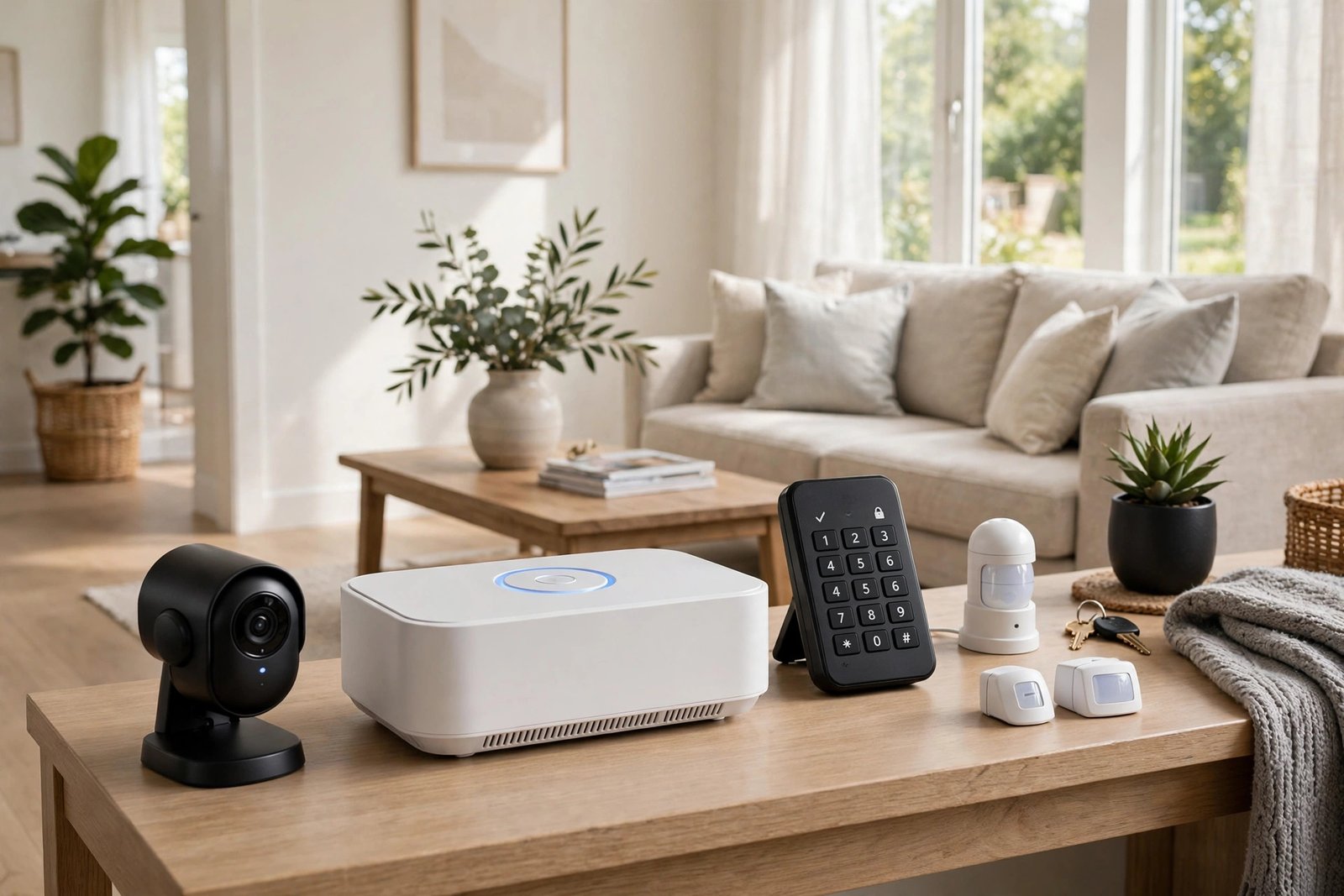
Before looking at named types, it helps to know the four questions that define any system. First, monitoring: when a sensor trips, who responds — you, or a monitoring centre? Second, installation: do you fit it yourself, or does a professional? Third, connection: how do the components talk to the hub and to the outside world — wires, Wi-Fi, or cellular? Fourth, components: what does the system actually include — door and window sensors, motion detectors, cameras, glass-break sensors, smoke and carbon monoxide detectors, or some combination?
Monitored vs Self-Monitored Systems
In a professionally monitored system, alerts go to a monitoring centre staffed around the clock. When an alarm triggers, the centre typically tries to contact you first, and if you do not respond or confirm an emergency, it contacts the police, fire service, or ambulance as appropriate. This is the key advantage: the system works even when you are asleep, abroad, or out of phone signal.
The trade-off is cost and commitment. Monitored systems usually involve a monthly subscription, and some require a contract. False alarms can also be an issue: repeated false alarms may lead to fines in some areas, and some services require verification — such as a camera clip or a second sensor triggering — before dispatching police. Ask any provider how verification works, what happens if you cannot be reached, and whether the contract allows you to cancel or move the system.
In a self-monitored system, alerts go straight to your phone. You decide what to do: check a camera feed, call a neighbour, or phone the emergency services yourself. There is usually no monthly fee beyond optional cloud storage for camera clips, and there is no contract. The weakness is obvious but worth stating plainly: if you miss the alert — because you are asleep, your phone is on silent, or you have no signal — nobody else responds. Self-monitoring suits people who are usually reachable and want to keep costs down. Many systems now offer a hybrid: self-monitoring by default, with optional professional monitoring you can switch on for holidays or for a monthly fee.
Wired vs Wireless Systems
Wired systems connect sensors and cameras to the central hub with physical cables. They are extremely reliable: no batteries to replace, no wireless interference, and no signal range problems. They are also harder to tamper with, since cutting a wire usually triggers an alert rather than silently disabling a sensor. For these reasons, wired systems are common in new builds, where cables can be run inside walls during construction, and in larger homes where wireless range becomes a challenge.
The downsides are installation cost and disruption. Running cables through finished walls is labour-intensive, and moving a wired system to a new home is rarely practical. That makes wired systems a poor fit for renters and for anyone who expects to move soon. Wireless systems, by contrast, use Wi-Fi, Bluetooth, or dedicated radio frequencies to connect sensors to the hub. They are quick to install, easy to move, and simple to expand — you can add a sensor in an afternoon without tools or tradespeople.
Wireless systems do have limitations to plan for. Battery-powered sensors need new batteries every year or two, and a dead battery is a blind spot, so build battery checks into your routine. Wireless signals can be affected by thick walls, metal structures, and interference, so check coverage in the far corners of your home before committing. Most modern systems use a cellular backup connection so that the system keeps working if your broadband goes down — this is a feature worth having, especially for monitored systems, and worth asking about explicitly.
DIY vs Professionally Installed Systems
DIY systems are designed for self-installation: peel-and-stick sensors, a hub that plugs into your router, and an app that walks you through setup. They cost less upfront, carry no installation fee, and can usually be moved to a new home. For a standard house or flat, a careful DIY install can be perfectly effective. If you want to understand what a self-installed setup involves, our guide to DIY home security systems explains the process and its limits.
The risk with DIY is placement. A sensor in the wrong position — a motion detector facing a window with moving curtains, a door sensor on a loose frame, a camera mounted too high to capture faces — will either false-alarm constantly or miss real events. Professional installation removes that risk: an installer surveys your home, places sensors correctly, tests the whole system, and shows you how to use it. You pay for that expertise, and you may be tied to that provider for monitoring, but for large, complex, or high-value homes, the survey alone is often worth it.
Smart Home and Integrated Systems
Smart home security systems connect to a broader smart home platform, so your alarm, cameras, locks, lights, and sometimes heating or voice assistants work together. The practical benefit is automation: when the alarm arms at night, the doors lock and the lights switch to a night-time pattern; when a camera detects motion at the back door, the garden light comes on and you get a clip on your phone. For people who already use a smart home platform, this integration is genuinely useful and can make the system easier to live with day to day.
The cautions are security-related. Every connected device is a potential entry point, so a smart security system needs the same care as any other connected technology: strong unique passwords, two-factor authentication, regular firmware updates, and a secure home Wi-Fi network. Also consider what happens if the platform changes, a company discontinues a product, or your internet goes down. Systems with local processing and cellular backup degrade more gracefully than those that depend entirely on the cloud, so ask how the system behaves offline before you buy into an ecosystem.
Camera-Based and Sensor-Based Systems
Some homes need cameras more than alarms, and some need alarms more than cameras. A camera-based system — doorbell cameras, outdoor cameras, and indoor cameras — is best for deterrence, identification, and checking on the home remotely. It records what happened, which helps with police reports and insurance claims, but on its own it does not sound an alarm or summon help. Cameras also raise privacy questions: indoor cameras should be used thoughtfully, guests should know they are there, and footage storage should be secure.
A sensor-based alarm system — door and window contacts, motion detectors, glass-break sensors — is best for detection and response. It knows the moment an entry point opens or a room is entered, and it can sound a siren and alert a monitoring centre within seconds. It does not, however, show you what is happening. The strongest setups combine both: sensors detect and alert, cameras verify and record. If budget forces a choice, start with sensors on the entry points, since detection and a loud siren deter more intruders than a camera alone.
Environmental sensors — smoke, carbon monoxide, flood, and temperature sensors — protect against non-intruder threats and are often the most valuable part of a system, since fire and carbon monoxide kill more people than burglary. If you add environmental sensors, check their placement carefully; our guide to where to install smoke detectors in a house and our carbon monoxide detector placement guide cover the details.
How to Choose: Match the System to Your Home
A wireless, self-monitored DIY system with door sensors and a doorbell camera. Portable, affordable, and no damage to the property.
A monitored system with cellular backup, sensors on all ground-floor openings, and cameras at the main approaches.
Consider a wired system while walls are open, plus environmental sensors integrated from the start.
Professional installation and a survey, with attention to outbuildings, garages, and hidden approaches.
An integrated system that ties locks, lights, and cameras together — with strong passwords and offline fallback.
Start with sensors and a siren on the entry points. Add cameras later. Physical security — locks and lighting — comes first.
Finally, remember that no electronic system compensates for weak physical security. A camera will record an intruder walking through a hollow-core door, but it will not stop them. Pair any system with the physical upgrades in our guide to how to improve home security with better locks and with sensible habits around keys, deliveries, and visibility. Electronics detect and deter; doors, locks, and lighting actually resist. You need both layers, and the physical layer comes first.
Frequently Asked Questions
What is the difference between monitored and unmonitored security systems?
In a monitored system, alerts go to a staffed centre that can contact emergency services for you. In an unmonitored (self-monitored) system, alerts go only to your phone, and you decide how to respond. Monitored systems cost a monthly fee but work even when you cannot respond.
Are wireless security systems reliable?
Yes, for most homes, provided you maintain them. Check battery levels regularly, test sensors monthly, and choose a system with cellular backup so it keeps working if your broadband fails.
Do I need cameras, or is an alarm enough?
An alarm detects and deters; cameras identify and record. If you must choose, start with sensors and a siren on the entry points, then add cameras at the front and back doors.
Can I install a home security system myself?
Yes — most wireless systems are designed for DIY installation with peel-and-stick sensors and app-guided setup. Take care with sensor and camera placement, and test everything thoroughly.
What happens to my security system if the internet goes down?
It depends on the system. Systems with cellular backup and local processing keep alarming and alerting; purely cloud-dependent systems may lose remote alerts and camera access.
Choose by Dimension, Not by Label
The next time a system is described as wireless, monitored, smart, and DIY all at once, you will know what each word actually means — and which ones matter for your home. Decide on monitoring first, then installation, then connection, then components, and you will end up with a system that fits your home, your habits, and your budget.
Start small if you need to. A few well-placed sensors, a loud siren, and strong locks protect a home far better than a large system that is poorly placed or never maintained. Add cameras and automation as you go, test everything monthly, and keep the physical basics strong. That is how a security system earns its keep: quietly, reliably, and in the background of a home that is already hard to break into.