24 Boys Gamer Bedroom Ideas (That Totally Level Up Your Space)
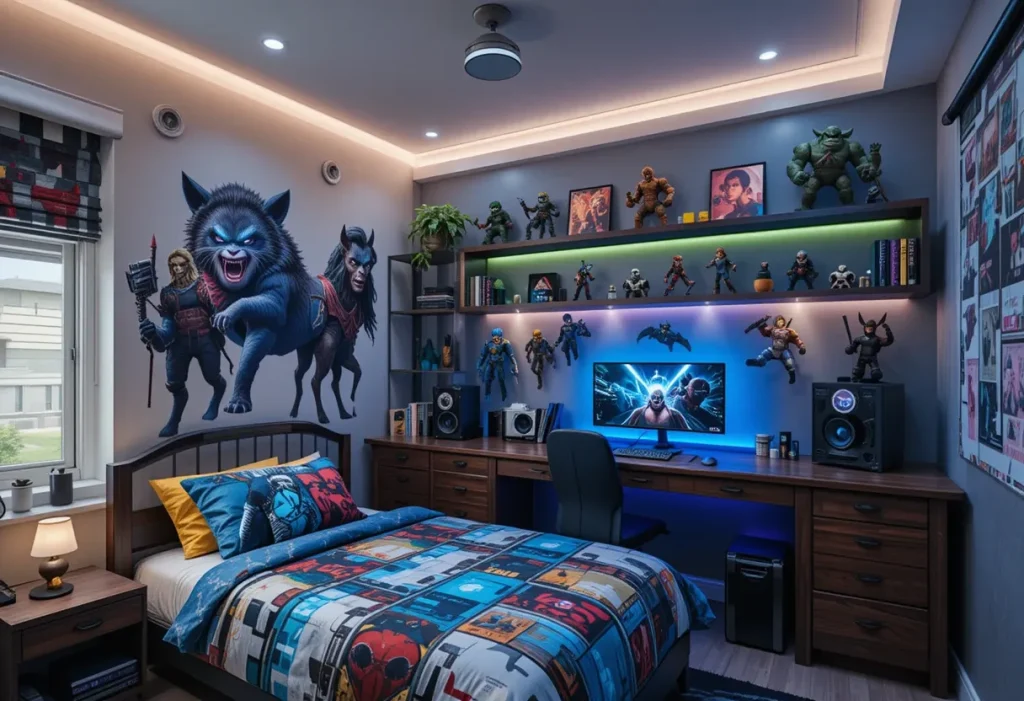
So, you want to build the ultimate gamer bedroom for your son (or maybe for yourself no judgment here)? Trust me, I’ve been there, stuck between LED overload and posters that scream “1999 LAN party vibes.” The good news? You’re about to get legit 24 Boys gamer bedroom ideas that blend style, comfort, and all the right geeky touches without turning the room into a neon disaster. Let’s break it all down.
1. RGB Lighting = Instant Gamer Cred
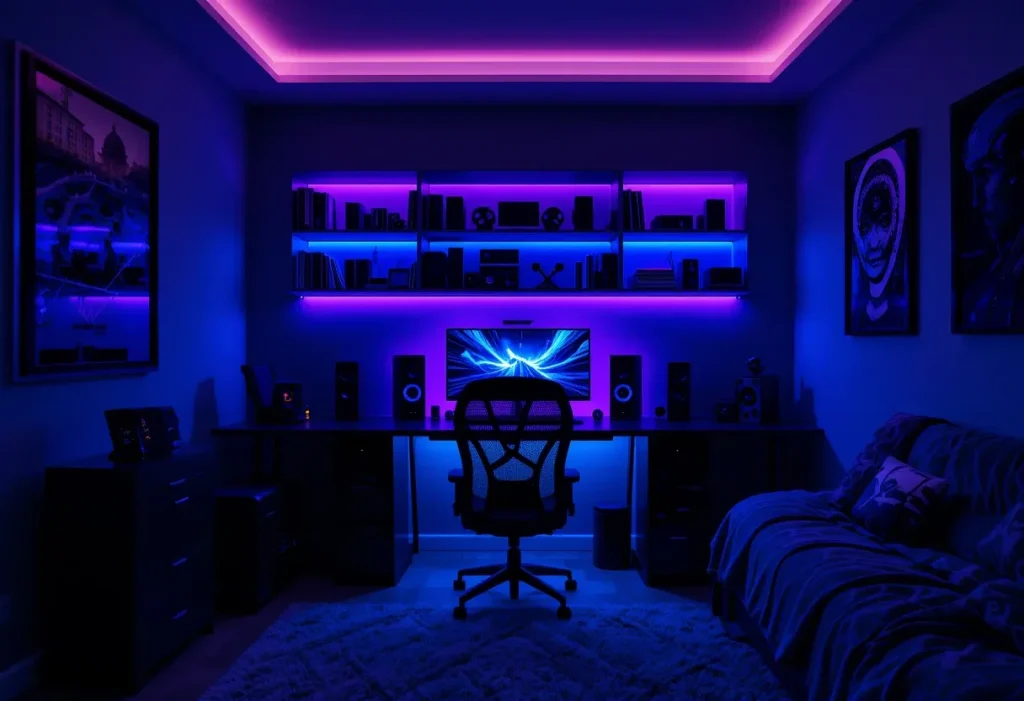
This idea is a favorite because RGB lighting instantly transforms any boring bedroom into a high-energy, immersive gaming zone. With smart syncing and color-changing effects, it sets the mood for late-night gaming marathons or chill vibes. The setup costs around $20–$50, making it a cheap yet powerful visual upgrade. It’s easy to install, totally customizable, and adds serious flair to your gamer setup. Whether you prefer a subtle backlight or full-on rainbow madness, this lighting trick adds personality and makes the space come alive.
Pro Tips:
- Use behind the desk for ambient glow
- Sync to music or game audio
- Choose remote-controlled strips for ease
- Avoid over-lighting the space
- Stick to two or three color themes
2. Wall-Mounted Gaming Desk
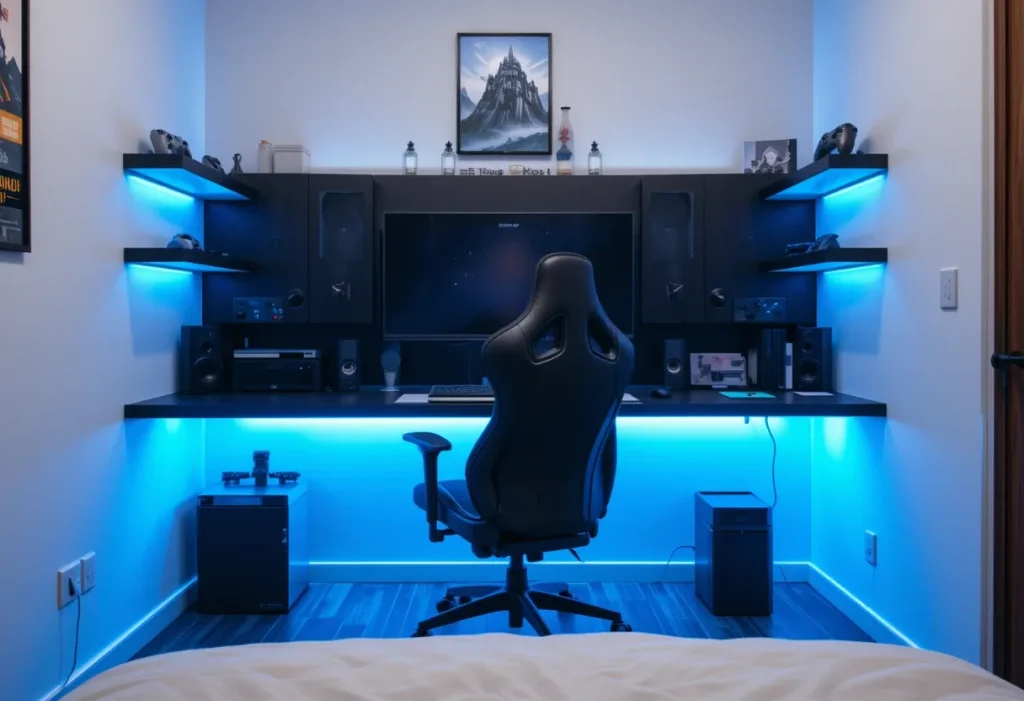
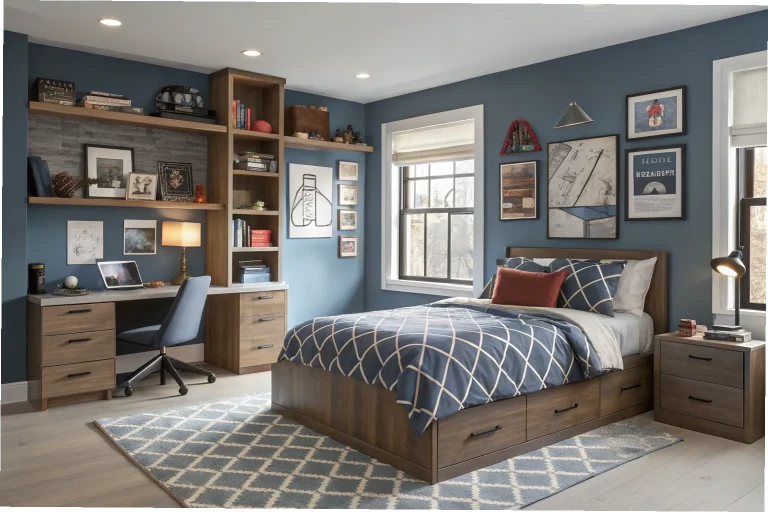
This idea is perfect for tight bedrooms because it saves floor space while offering a sleek, modern setup. A floating desk creates clean lines, frees up legroom, and makes the room feel bigger. It costs around $100–$300, so it’s a moderately expensive upgrade with major functional perks. Wall-mounted desks reduce clutter, offer more room for cables and tech, and provide a custom gamer station feel. If you’re dealing with a small footprint, this is hands-down one of the smartest ways to max out your layout.
Pro Tips:
- Measure your wall before installing
- Add floating shelves above the desk
- Use cable clips to keep wires hidden
- Match desk color to gaming chair
- Use under-glow LEDs for extra flair
3. Gaming-Themed Wall Murals
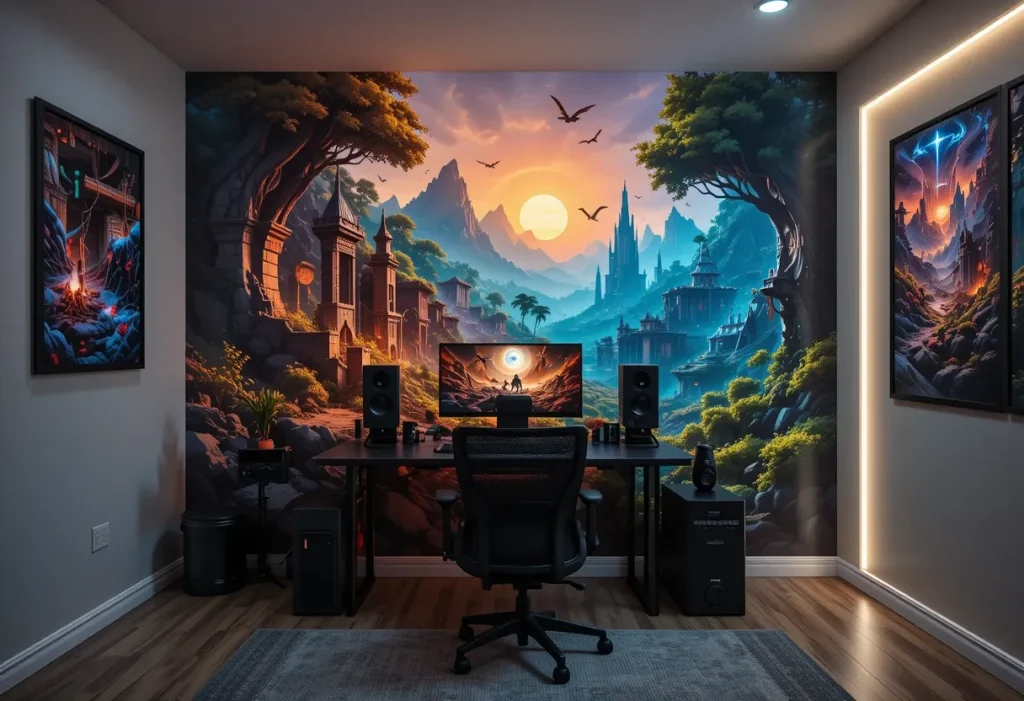
This idea brings personality to any room by turning a blank wall into a bold tribute to favorite games. Whether it’s Mario, Minecraft, or Call of Duty, murals add instant immersion. They cost about $50–$150, which makes this a cheap to mid-range statement piece. You get to express your gamer identity while transforming the entire room vibe without bulky decor. From character art to scenic level designs, these murals bring a splash of drama to the space without much effort.
Pro Tips:
- Stick to one wall to avoid clutter
- Choose peel-and-stick options
- Match mural tones to furniture
- Frame the mural with LED strips
- Clean with microfiber to avoid damage
4. Headphone Hangers
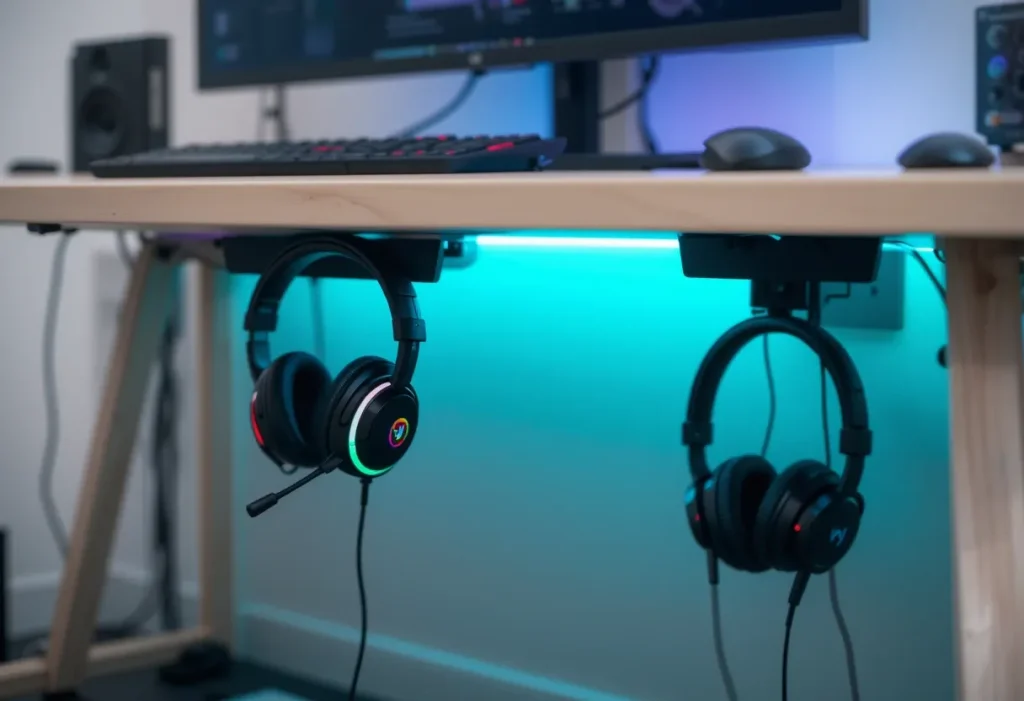
This idea keeps gaming gear organized, accessible, and off the floor. It extends headset life and clears valuable desk space. At just $10–$25, this is a cheap upgrade that instantly boosts both style and sanity. It might be small, but this little tool keeps the whole setup looking intentional, clean, and high-efficiency. No more digging under blankets to find your headset just grab and go when you’re ready to game.
Pro Tips:
- Choose a dual hanger for two headsets
- Mount under the desk or on the wall
- Look for hangers with USB ports
- Use adhesive mounts for easy removal
- Keep near your PC or console area
5. Soundproofing Panels
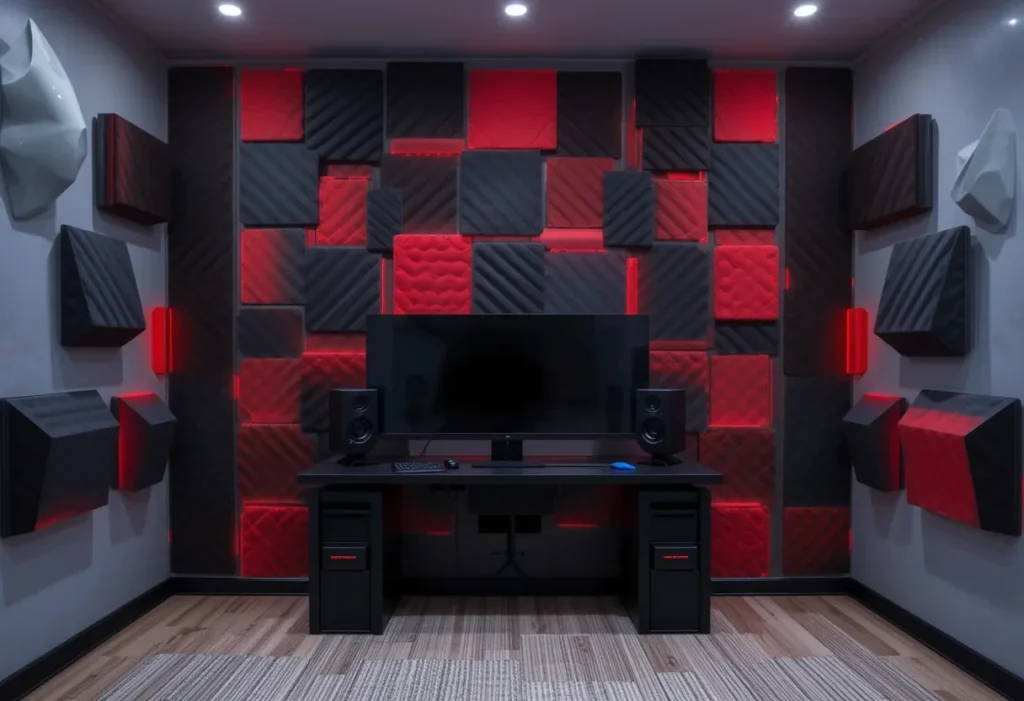
This idea reduces echo, controls noise, and adds a modern, high-tech vibe. Whether it’s late-night raids or livestreaming, sound panels make the room more gamer-friendly. At $30–$80, it’s a cheap to moderate fix that pays off. Besides acoustic function, they make your wall look like a studio-level battlestation. Plus, they’re easy to install and instantly take your setup from average to advanced.
Pro Tips:
- Arrange in symmetrical patterns
- Mix colors to match your setup
- Stick panels behind monitors
- Avoid over-padding small rooms
- Use command strips for renter-friendly mounting
6. LED Strip Under the Bed
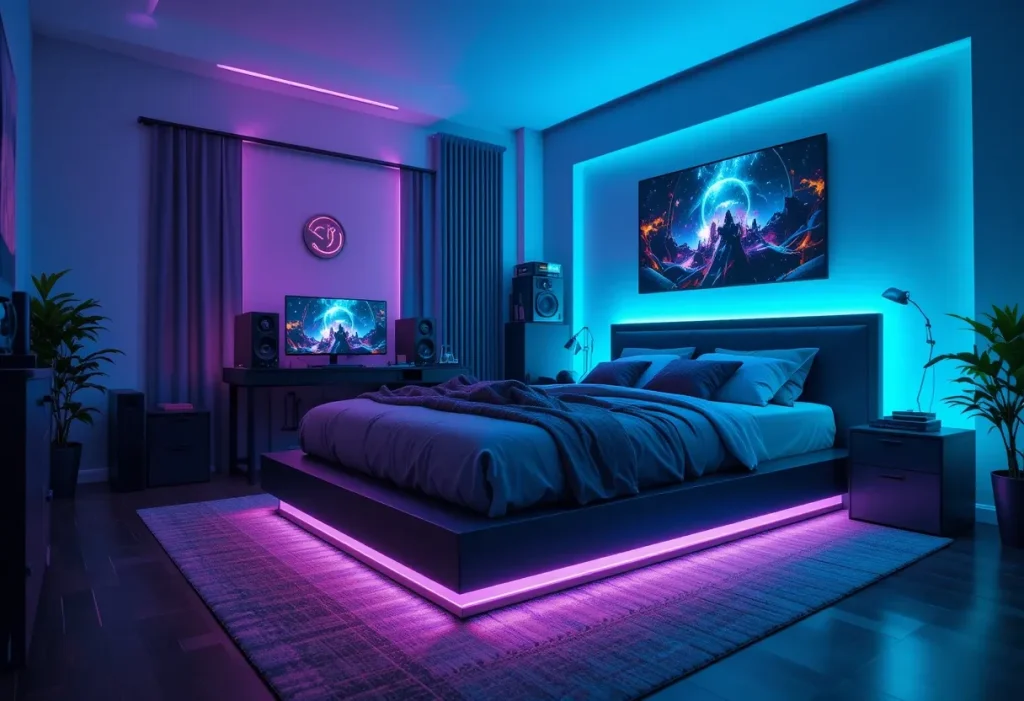
This idea makes the entire room feel more dynamic while doubling as night lighting. It adds atmosphere without eating up space or overpowering the room. At $15–$30, it’s a cheap and stylish upgrade for any setup. It’s the kind of detail that gives your bedroom that futuristic glow-up everyone loves. Combine it with other RGB elements to get a consistent, all-around lighting theme.
Pro Tips:
- Pick a color that complements wall lights
- Use clips instead of adhesive tape
- Try motion sensors for wow factor
- Keep brightness low at night
- Sync with smart home routines
7. Floating Display Shelves
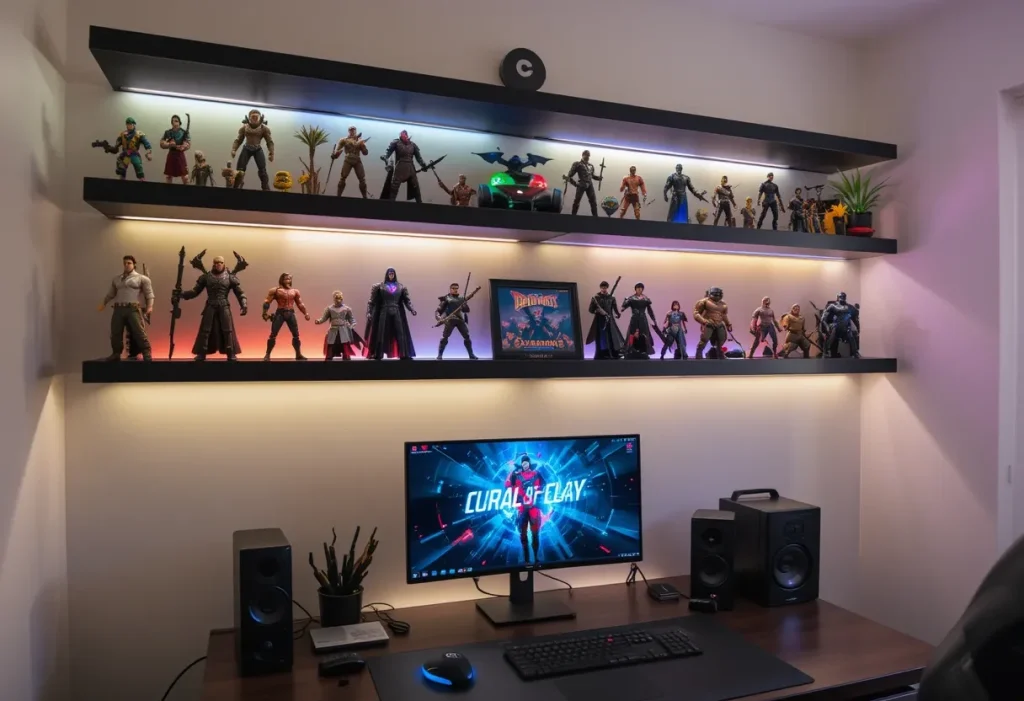
This idea is great for showcasing collectibles, controllers, and awards without cluttering the space. It also adds vertical interest to walls and keeps gear safe. For $20–$50, this is a cheap to moderately priced way to show off personal style. It makes your wall do the heavy lifting while leaving surfaces clean for gaming gear. Gamers love having a space that feels curated, and shelves do exactly that.
Pro Tips:
- Install with drywall anchors for safety
- Use strip lights underneath shelves
- Group similar items together
- Keep dusted for visual clarity
- Limit shelf count to avoid overload
8. Minimalist Cable Management
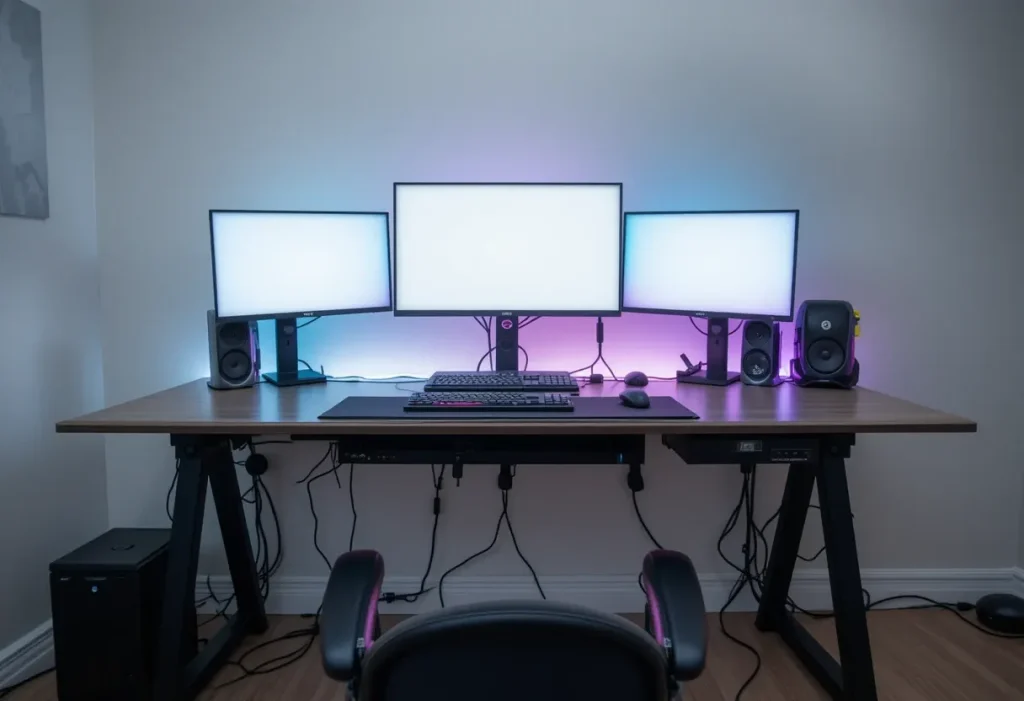
This idea creates a cleaner, sleeker setup while protecting cables from damage. Organized wiring also improves airflow around devices. At just $10–$25, this is a cheap fix that seriously levels up the whole space. It turns chaos into calm and instantly gives your battlestation a pro-level polish. If your setup looks like spaghetti, it’s time to reel it in.
Pro Tips:
- Use Velcro straps for easy changes
- Install cable trays under the desk
- Color-code wires by device
- Hide power strips in a box
- Recheck setup every few months
9. Gaming Chair with Style
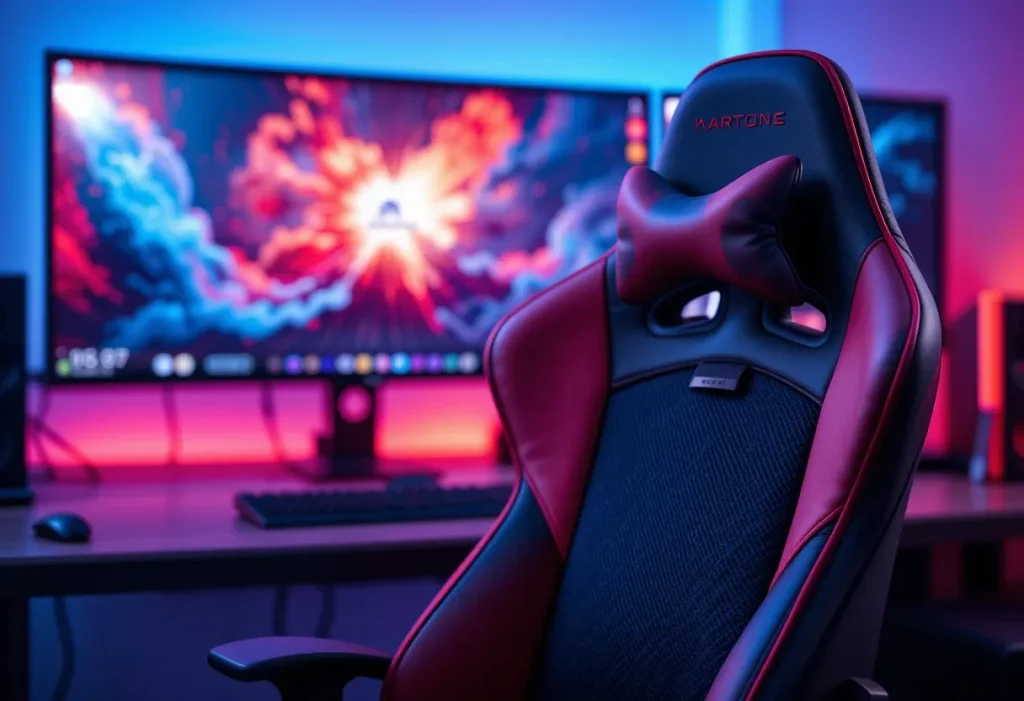
This idea ensures long sessions stay comfortable while adding a stylish centerpiece to the room. Ergonomic chairs improve posture and feel luxurious. Costing around $100–$300, this is an expensive but long-term essential. A good chair doesn’t just save your back it anchors the whole gaming aesthetic. Comfort and swagger? You get both in one go.
Pro Tips:
- Pick breathable fabric if you sweat
- Match colors to the desk setup
- Look for 4D adjustable armrests
- Get one with a recline function
- Try before you buy if possible
10. Wall-Mounted Monitors or Arms
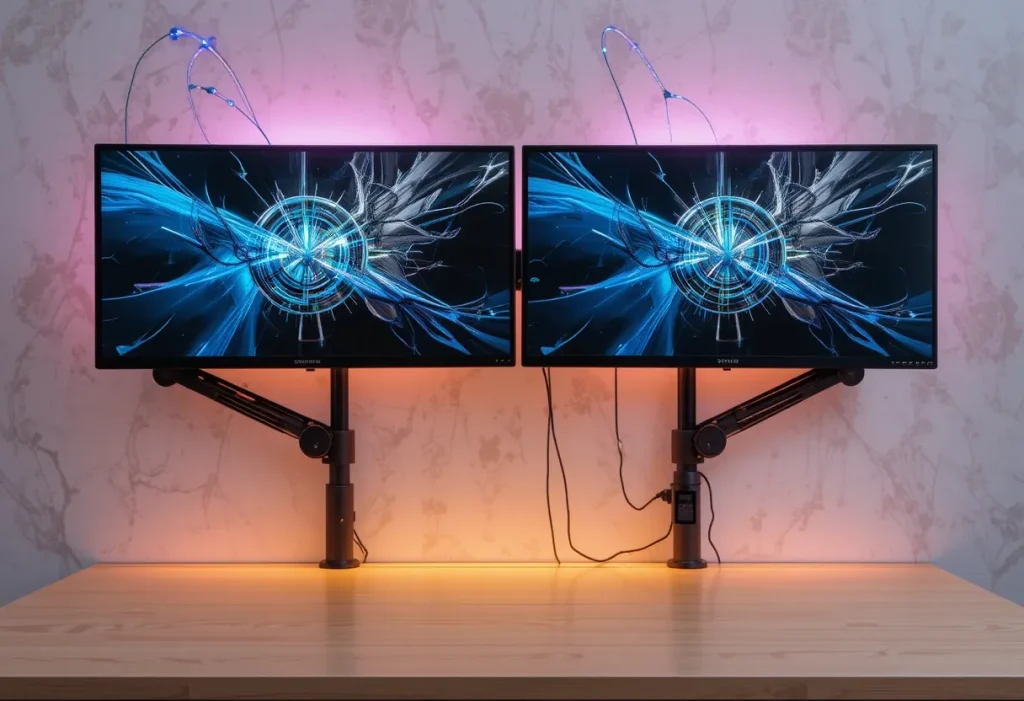
This idea clears valuable desk space and adds flexibility for better ergonomics. It also gives the setup a more futuristic, pro look. At around $30–$60, this is a cheap to mid-range upgrade worth the money. Wall mounts let you angle and stack your screens like a boss. Plus, it makes the entire room feel more open and advanced.
Pro Tips:
- Always check weight ratings
- Use cable sleeves for cleaner look
- Adjust arm height for eye level
- Pair with LED wall backlighting
- Double-check wall strength before drilling
11. LED Wall Panels
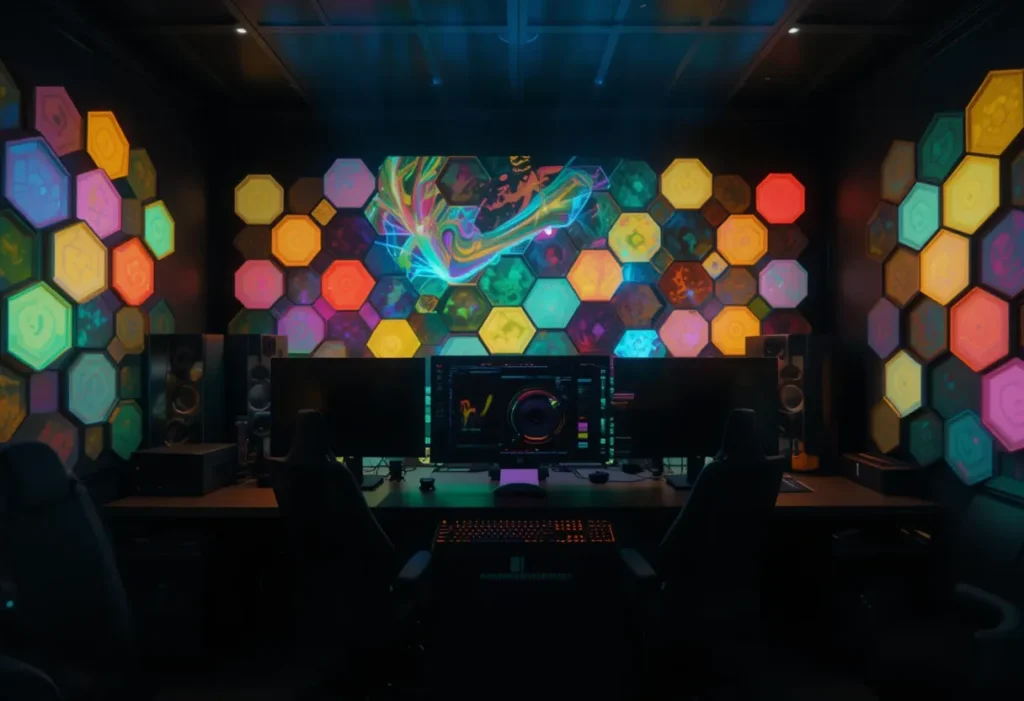
LED wall panels turn a regular bedroom into a legit gamer zone. These panels add that futuristic vibe and light up the space like you’re playing inside a sci-fi movie. You can control the colors, sync them to music, and even match your gameplay vibes. Expect to spend around $80–$150, so it’s a moderately expensive idea, but trust me, the visual impact is totally worth it.
Pro Tips:
- Use hexagonal panels for a cool honeycomb effect
- Choose panels with music sync features
- Install them behind your setup for max glow
- Use double-sided tape for easy installation
- Opt for app-controlled lights for flexibility
12. Dual Monitor Setup
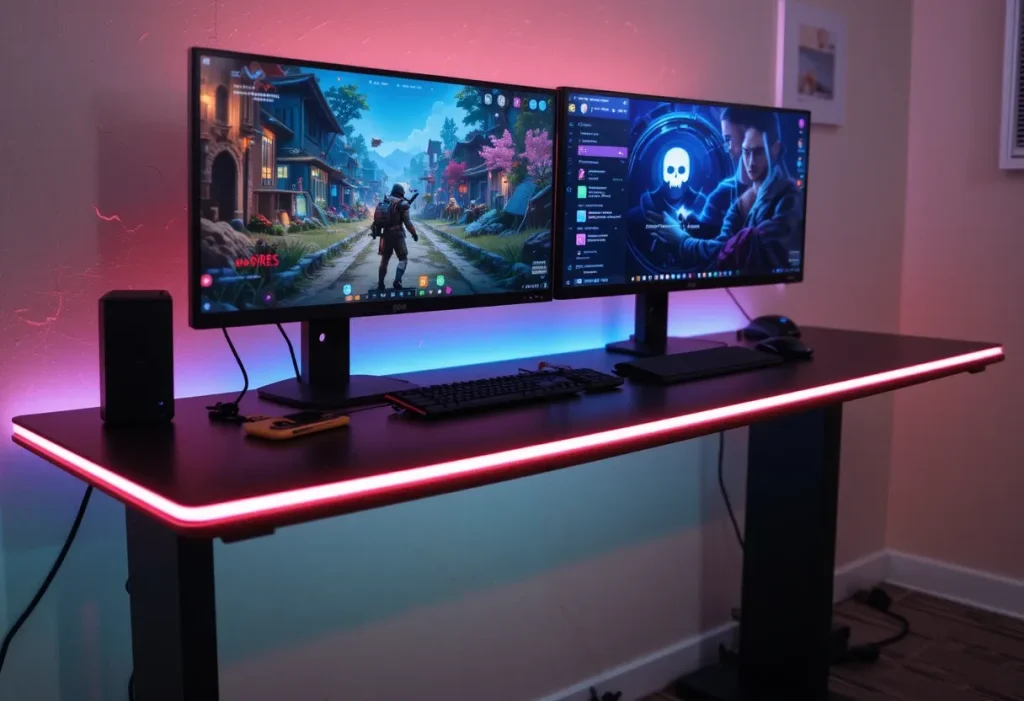
A dual-monitor setup elevates your gaming and multitasking capabilities like nothing else. Whether you’re gaming on one screen and chatting on Discord on the other, or streaming and playing simultaneously, it just makes life easier. This setup costs around $250–$500, so it’s definitely on the expensive side, but productivity and immersion skyrocket.
Pro Tips:
- Get matching monitors for symmetry
- Use a monitor mount to save desk space
- Calibrate both screens for consistent color
- Route cables behind the desk for a clean look
- Invest in IPS panels for better visuals
13. Wall-Mounted Shelves for Collectibles
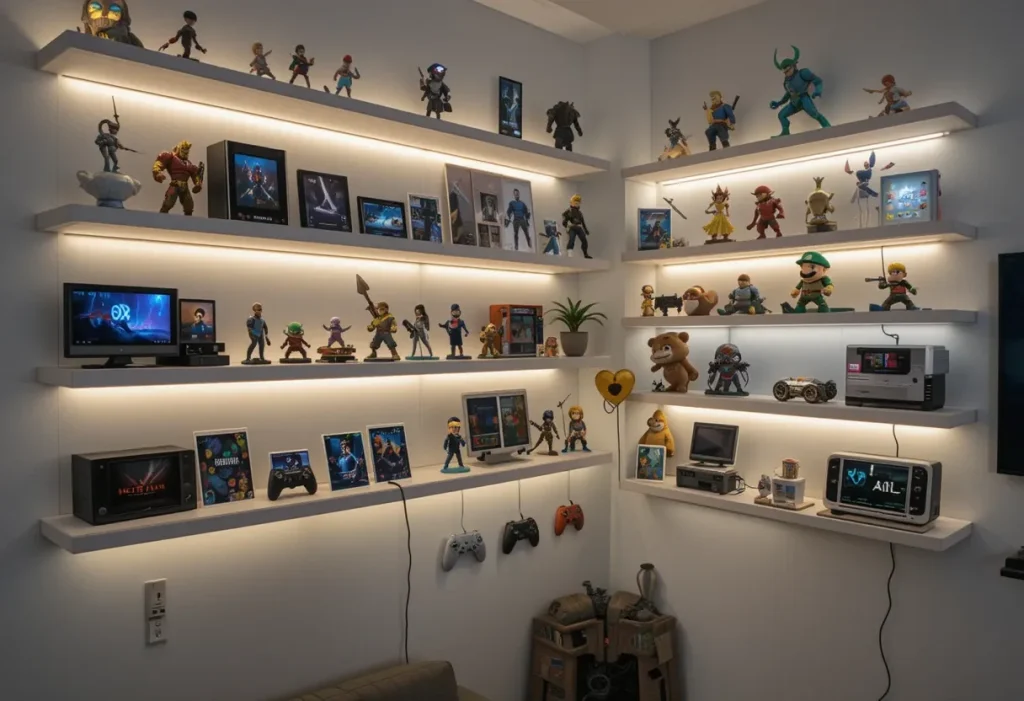
Wall-mounted shelves showcase your figures, collectibles, and merch without hogging floor space. They make your room feel personal and organized, while also serving as an aesthetic background during video calls or streams. You’ll spend around $30–$60, making this a cheap and functional win. Plus, it adds personality without clutter.
Pro Tips:
- Use floating shelves for a sleek look
- Arrange items by color or theme
- Add mini LED strips under each shelf
- Don’t overload leave space to breathe
- Dust your collectibles regularly
14. Under-Bed Storage Drawers
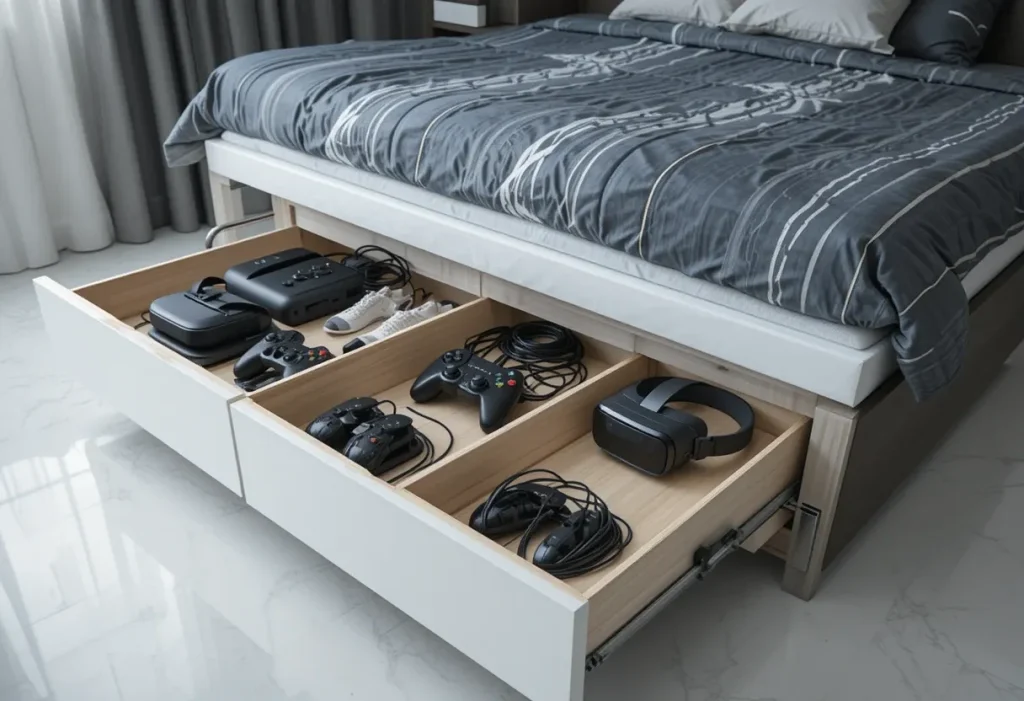
Under-bed storage drawers keep your gaming gear organized without cramping your style. From extra controllers to cords and gear, you can stash it all without anyone knowing. This solution costs around $40–$100, making it a budget-friendly fix with serious functionality.
Pro Tips:
- Choose rolling drawers for easy access
- Label each drawer for quick finds
- Store seasonal gear to free up space
- Use organizers inside the drawers
- Clean under the bed before setup
15. Themed Wall Murals
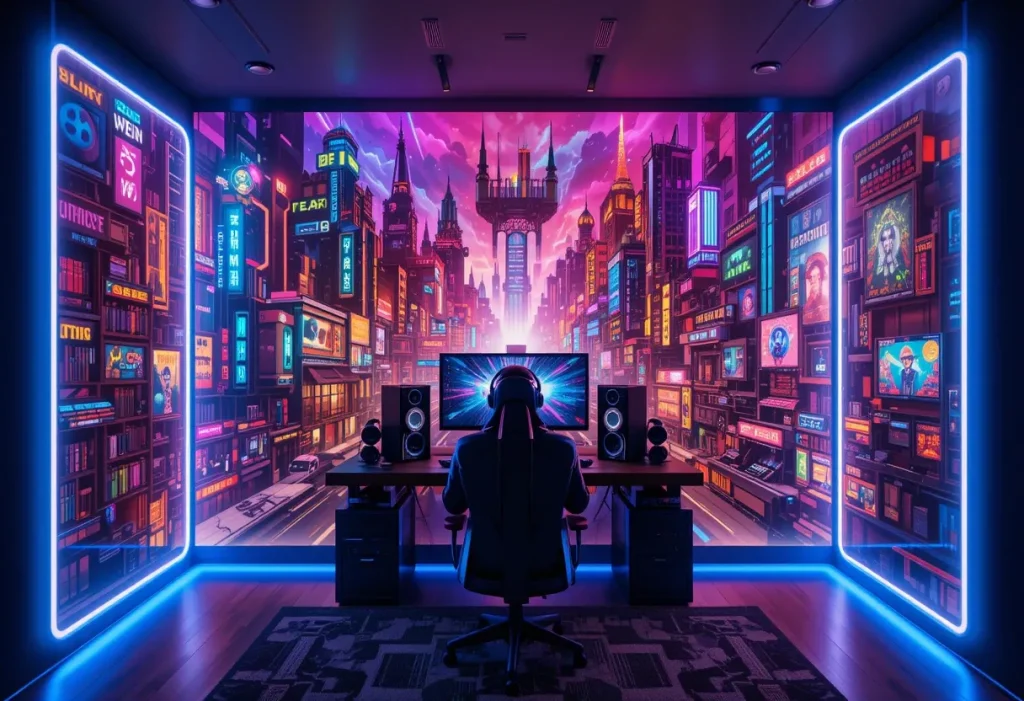
Themed wall murals bring your favorite game worlds into your room without the VR headset. Whether you’re into cyberpunk cities or pixel art, there’s something out there for you. This idea will run you about $70–$200, depending on the mural size and quality so it’s moderately expensive, but makes a bold statement.
Pro Tips:
- Use peel-and-stick murals for easy changes
- Match mural colors with furniture
- Avoid overly dark themes in small rooms
- Add LED trim to highlight the mural
- Position gaming setup in front for max impact
16. Custom Name LED Sign
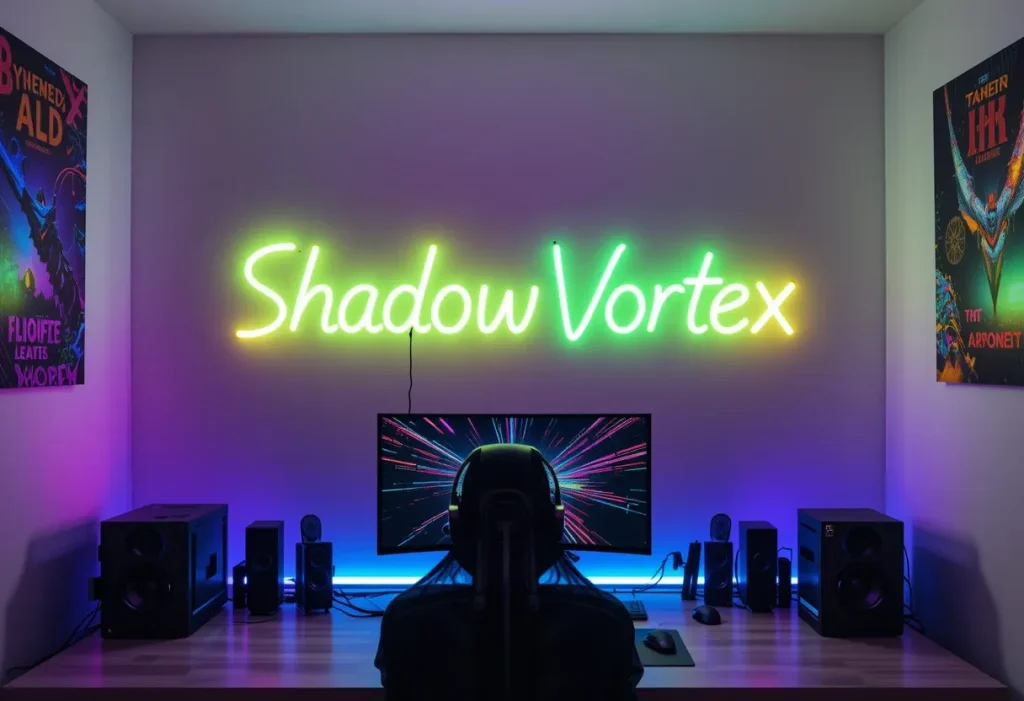
A custom LED sign with your gamer tag or nickname adds a personal and iconic touch. It’s like telling the world, “Yes, this is my lair.” These usually cost around $60–$120, so it’s a moderate investment that gives off serious pro-gamer energy. It’s also an eye-catching statement piece that stands out in any gaming setup. Whether you’re streaming or just flexing, this light screams style. Pro Tips:
- Pick bold fonts for better visibility
- Go with RGB lighting for variety
- Hang it above your gaming station
- Use command strips for easy mounting
- Turn it off when sleeping to save power
17. RGB Gaming Chair
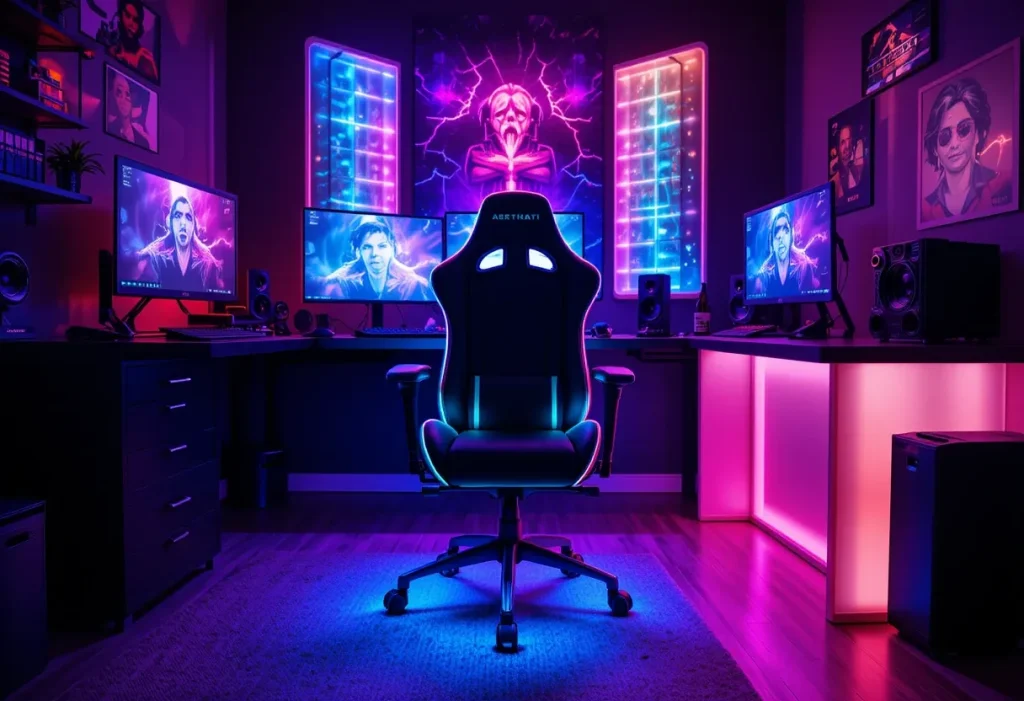
An RGB gaming chair isn’t just about looks—it offers comfort, support, and flashy lights all in one. Perfect for long gaming sessions and showing off during livestreams. These chairs cost around $150–$300, making them a moderate to expensive choice depending on the brand. The right chair can boost your posture and mood while matching your gaming aesthetic. You’ll thank yourself during those marathon sessions. Pro Tips:
- Get one with lumbar and neck support
- Match the chair lights with room lighting
- Test for seat depth before buying
- Choose breathable material for hot days
- Check for adjustable armrests
18. Magnetic Wall Strips for Headsets & Controllers
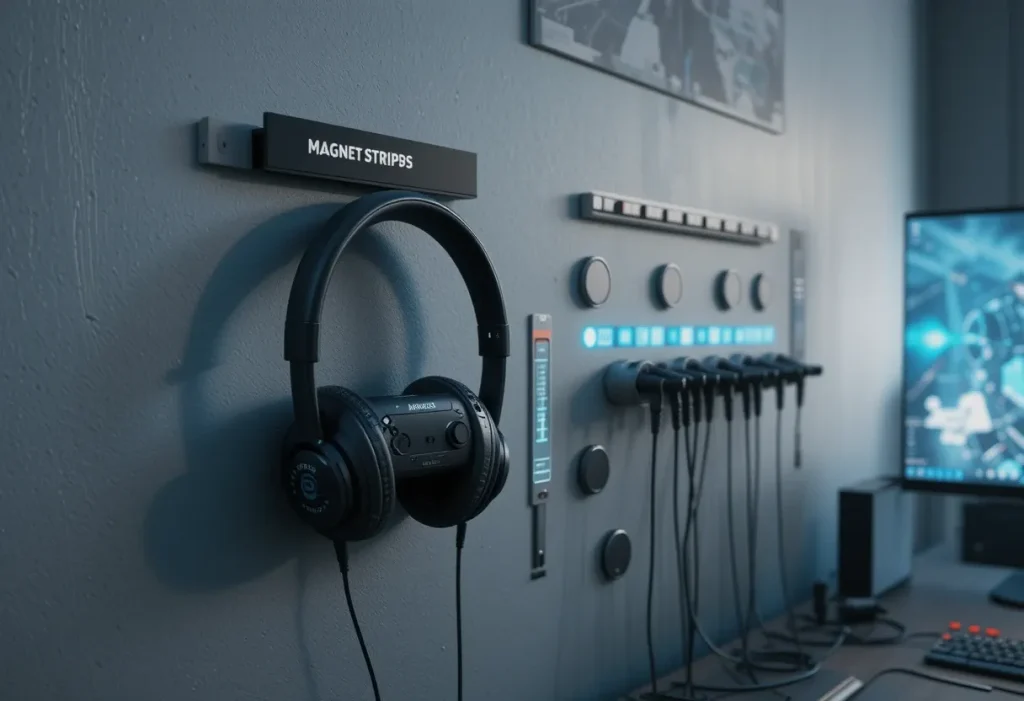
Magnetic wall strips keep your gear accessible and your desk clutter-free. It’s a simple, satisfying solution to messy cables and tangled gear. These strips cost only about $10–$25, making it a super cheap fix that also looks pretty sleek. Plus, they give your wall some futuristic tech vibes. You’ll wonder how you ever lived without them. Pro Tips:
- Place strips near your desk for quick grab
- Use for metal-based gear or add magnets
- Choose strong adhesive strips
- Avoid placing near screens
- Add labels to each slot
19. Mini Fridge for Snacks & Energy Drinks
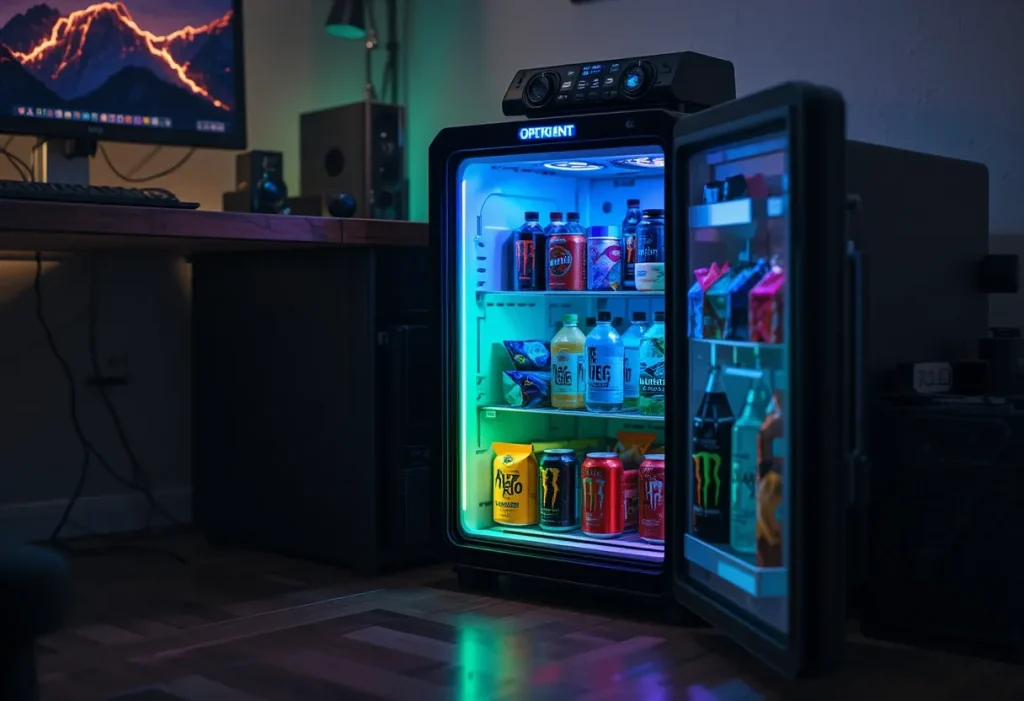
A mini fridge in the bedroom means zero interruptions mid-match when you need fuel. It keeps your sodas cold and your snacks within reach. Expect to spend $100–$200, so it’s a moderately expensive luxury, but worth it for serious gamers. You stay hydrated, energized, and in the zone. Plus, it adds a cool touch (literally) to your setup. Pro Tips:
- Choose one with a freezer compartment
- Keep it stocked with energy drinks and water
- Clean it weekly to avoid smells
- Place it near the desk but away from electronics
- Look for quiet-operating models
20. Wall-Mounted Cable Raceways
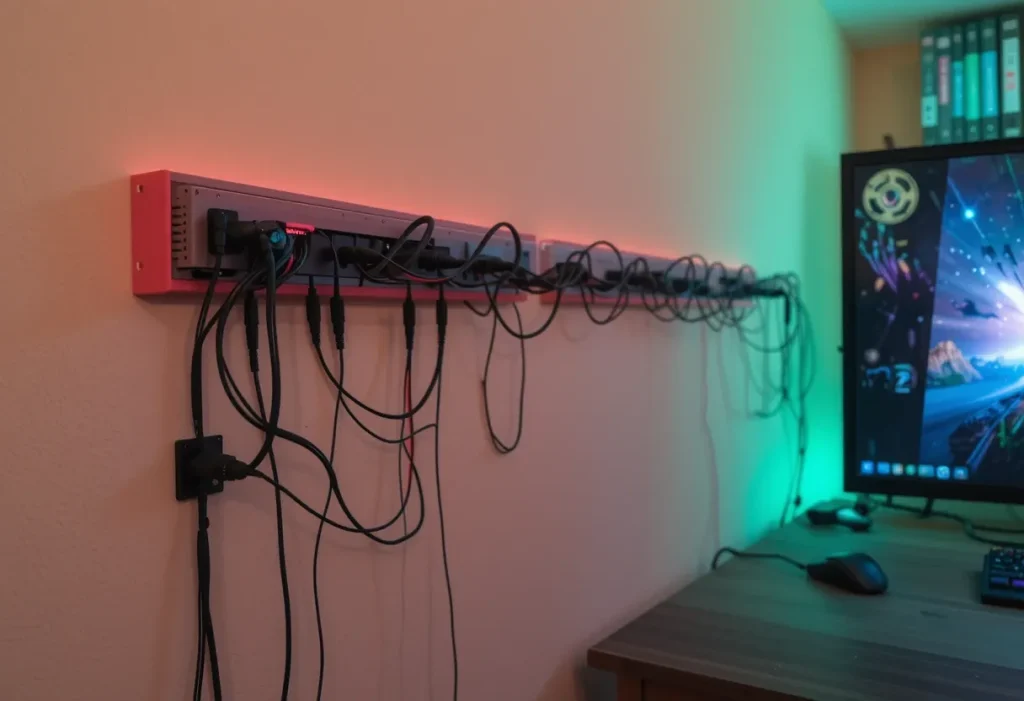
Wall-mounted cable raceways hide your messy wires like a boss. Your setup instantly looks cleaner, and no one trips on wires anymore. These cost around $15–$30, so it’s a cheap solution with a major visual upgrade. It’s one of those tiny changes that make your room feel pro. Clean setup, clear mind. Pro Tips:
- Paint them to match your wall color
- Route cables by device type
- Secure tightly to avoid sagging
- Use velcro straps inside for better grouping
- Measure your wall before installation
21. Color-Coordinated Setup
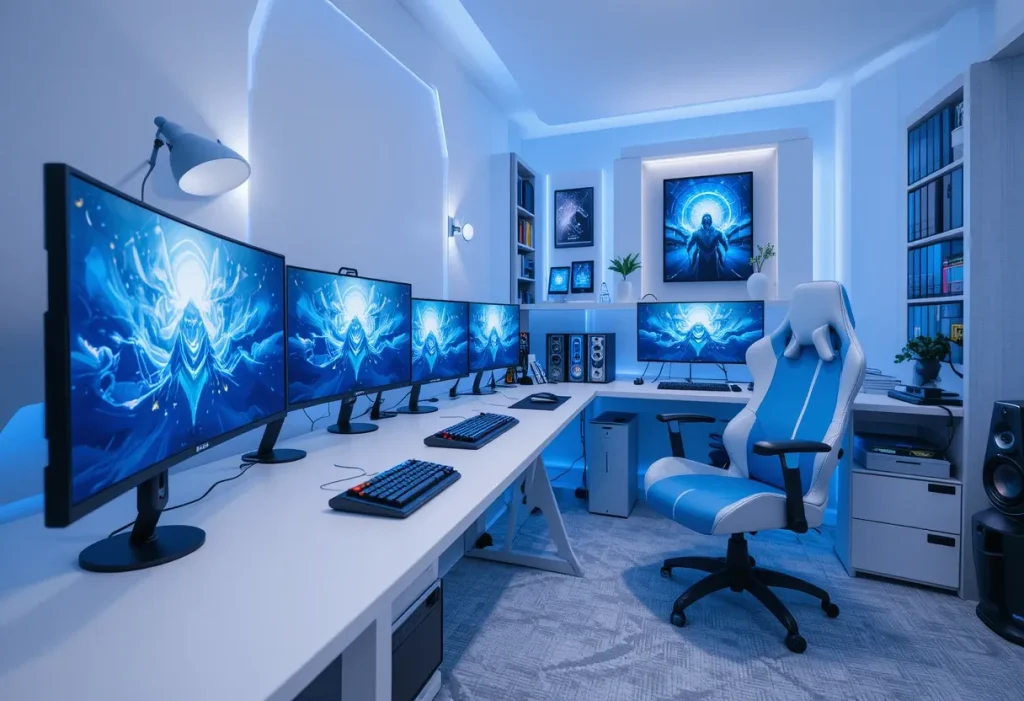
A color-coordinated setup makes everything feel intentional and stylish. Matching your keyboard, mouse, chair, and wall accents in one theme brings serious aesthetic points. You’ll spend around $50–$200, depending on what you already own, so it ranges from cheap to moderate. Cohesive setups just hit different—they scream style and precision. It’s like giving your room its own personality. Pro Tips:
- Pick 2 main colors max to avoid chaos
- Use colored cables for subtle accents
- Match LED lights to your theme
- Paint or wrap furniture if needed
- Use swatches before committing
22. Soundproof Wall Panels
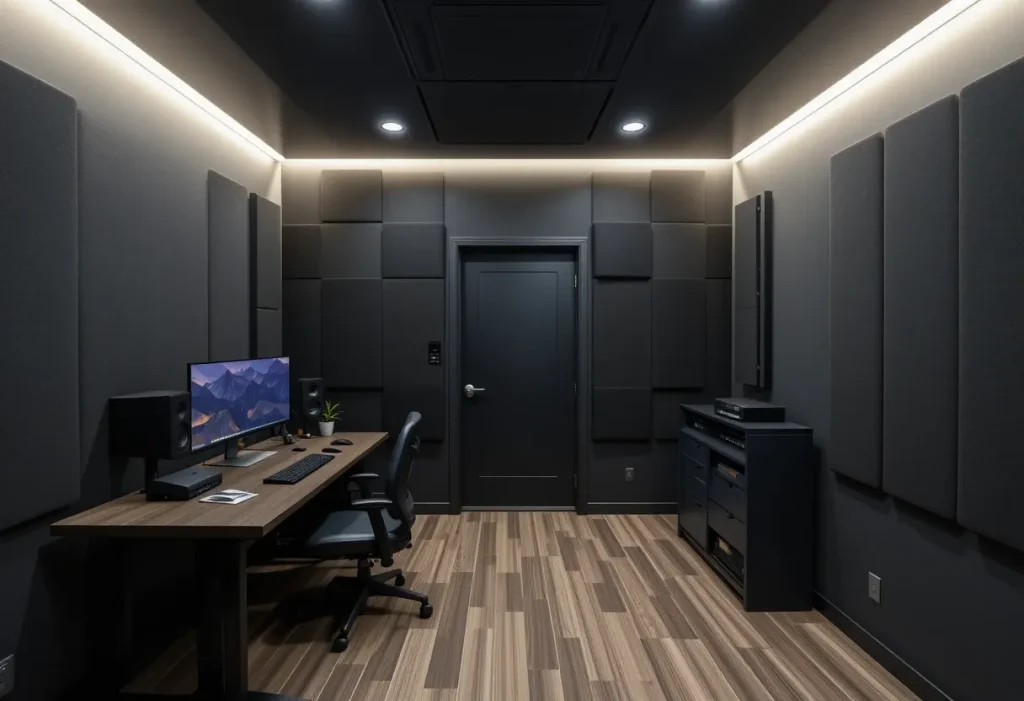
Soundproof wall panels keep your game audio in and the outside world out. Perfect for late-night sessions when your family wants to sleep, and you want to clutch a round. These cost around $40–$100, so it’s a budget-friendly but effective solution. They also improve in-game audio quality by reducing echo. Whether you’re raging or whispering, sound stays where it should. Pro Tips:
- Use foam or fabric-wrapped panels
- Place behind monitors and around doors
- Don’t skip ceiling corners for echo control
- Choose darker panels for a moody vibe
- Mount with removable adhesive
23. Hidden LED Strip Lighting
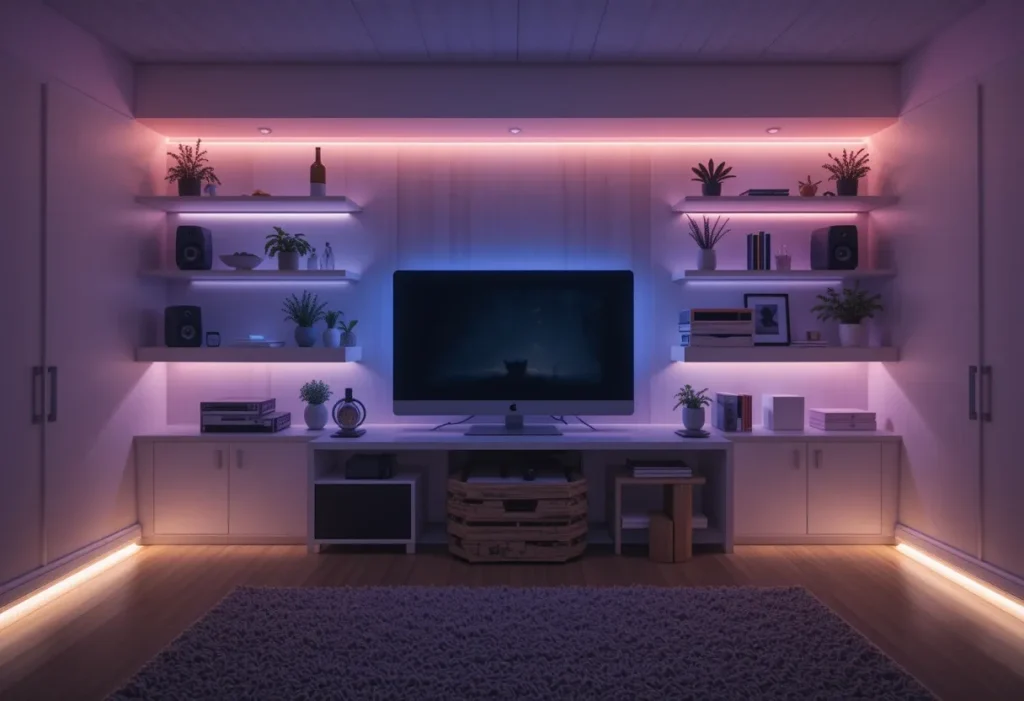
Hidden LED strip lighting adds ambiance without being in your face. Tuck them under the bed, behind the monitor, or around shelves for that glowing edge. You’ll spend about $15–$50, so it’s a cheap upgrade that looks high-end. It’s subtle yet powerful in setting the mood. Perfect for gaming or winding down. Pro Tips:
- Get RGB strips with remote control
- Use clips or adhesive for clean install
- Don’t let the actual strip show
- Sync colors with gameplay themes
- Layer with other lighting for depth
24. Floating Gaming Desk
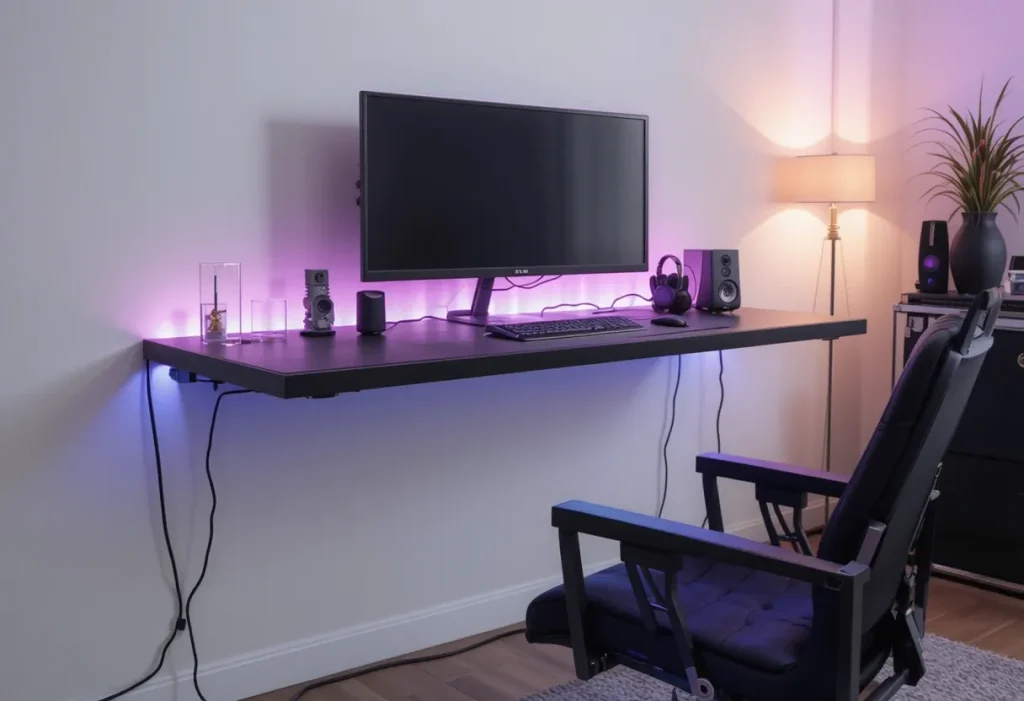
A floating gaming desk maximizes space and looks slick while doing it. No bulky legs means more room to stretch and better cable management. These run about $120–$250, so it’s a moderately expensive pick that brings both form and function. It gives your room a sleek, modern vibe. Bonus points for being super easy to clean under. Pro Tips:
- Ensure it’s mounted to studs for safety
- Add RGB lights underneath
- Keep surface clutter-free
- Pair with a wall-mounted monitor
- Check weight limit before loading gear
Final Thoughts
Creating the ultimate gaming space isn’t just about flashing lights and cool gear, it’s about building a vibe that screams “you.” These 24 Boys Gamer Bedroom Ideas combine aesthetics, comfort, and functionality to take your setup from average to absolutely epic. Whether you go for a budget-friendly upgrade or splurge on high-end gear, every idea here is designed to boost your game and your space.
The key is to customize it to your personality and gameplay style. From RGB chairs to floating desks and hidden LED strips, it’s all about transforming your bedroom into a place that inspires focus, energy, and just the right amount of nerdy pride. Now go level up your roomyour killstreak depends on it.